12 simple browser games that run on an old laptop or school computer
If your computer is old or slow, the games to reach for are simple 2D ones: few objects on screen, no 3D world to render, and in many cases a board that just waits for your move. Snake, brick breakers, tic-tac-toe, mahjong, solitaire, 2048-style number puzzles and memory cards all fit that description. The 12 games below need no install, open in the browser, and by their nature should play smoothly on an aging laptop. Every machine is different, so nobody can promise it, but on a struggling computer this list is the sensible place to start.
What makes a game light?
How hard a game pushes your computer comes down mostly to three things: whether the graphics are 3D or flat, how many things move on screen at the same time, and whether the game redraws constantly or only when you act. A 3D racer or shooter recalculates a whole scene, with light and shadow, every moment. A solitaire table barely changes until you move a card.
So these were the filters for this list:
- Flat, two-dimensional graphics, ideally pixel art or plain drawings.
- One fixed play area, with no camera flying around.
- A few keys or a single click, so even a worn-out touchpad is enough.
- Works on a phone too; every game here is marked as mobile-friendly on its page.
The games fall into three groups: simple arcade games that keep moving, number and memory puzzles that wait for you, and board and card games where the screen is almost still. The more your machine struggles, the further down the list you should go.
Arcade classics: one screen, few objects
Nokia 3310 Snack Game
A snake, a piece of food and four walls, nothing more. You steer with the arrow keys (on-screen buttons on a phone), eat to grow longer and try not to hit the wall or your own tail. It is single-player and a round lasts a few minutes, which makes it ideal for a short break. For the backstory, read the Nokia snake article; for similar games, see the snake games guide.

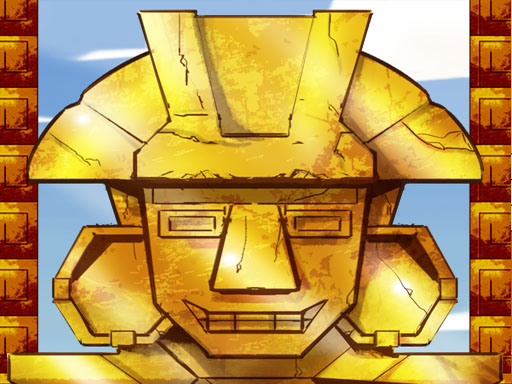
Maya Brick Breaker-3
Slide the paddle left and right, bounce the ball and knock down the wall of bricks at the top. You can play with the arrow keys, the mouse, or by sliding a finger on a phone. Only one ball and one paddle move at once, which is exactly the kind of game an old machine handles well. The rules are simple enough for young kids too.
Pixel Dino Run
The dinosaur runs on its own; your only job is to click or tap to jump, and tap again in the air to drop faster. The run speeds up as your score climbs. With a single input, it plays fine even on a tired laptop touchpad.

REFLEX PONG
Pong where you control both paddles yourself: W and S move the left one, the up and down arrows move the right one, and Space raises a shield. The goal is to survive a 2-minute countdown without missing the ball. The arena is plain, but the ball speeds up, so this is the most reflex-heavy game in the group. If your machine stutters, save it for last.

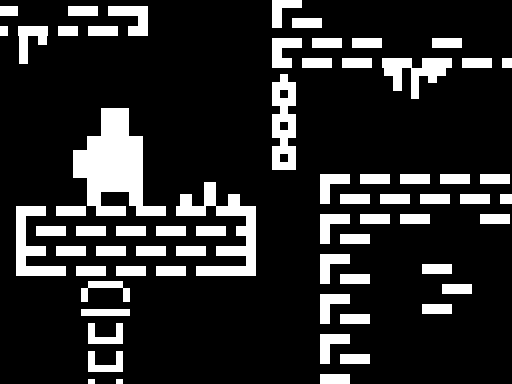
One Bit
A black-and-white pixel platformer. Walk and jump with WASD or the arrow keys, and press C to drop a checkpoint where you stand. It does not even use color, which makes it an easy way to try platform games on an older computer. On a phone you use on-screen buttons.
Puzzles: the screen waits for you
In number and memory puzzles the board stays put until you touch it. So even if your computer hiccups for a second, you do not lose; your move just shows up a moment late.
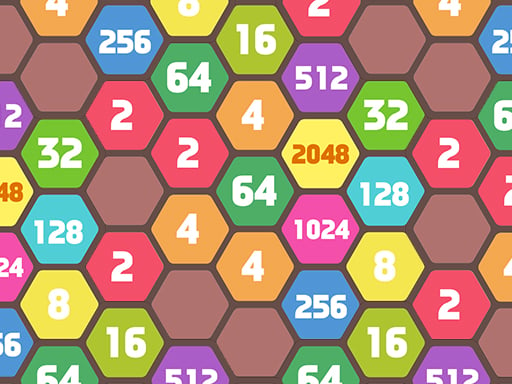
2048 Hexa Merge Block
The familiar 2048 idea, played on a honeycomb of hexagons instead of a square grid. Drag with the mouse or a finger, and equal numbers merge into the next one up. Six directions instead of four change the strategy, and since there is no timer pushing you, a slow machine is not a problem.
Get 10 Ultimate
No swiping here, just clicking: tap a group of matching numbers that touch each other and they merge into a bigger one. The game ends when no neighbors can merge. Get 10 Ultimate works one-handed with a mouse or a finger, which suits a quick break on a school laptop.

MemoPlay
The cards stay face up for a few seconds, then flip over, and you hunt for pairs of the same sport. There are three difficulty levels, so kids can start easy and adults can go straight to hard. The screen only changes when a card turns, so there is nothing here to strain your computer.

Board and card games: the calmest screens
If your machine is really struggling, start with this group. Animation is minimal, and time pressure is either absent or very light.
tictactoe
A 3x3 grid, two players, one click per turn. You play side by side on the same screen, and whoever gets three in a row wins. A round takes seconds. It is about as light as a browser game gets.

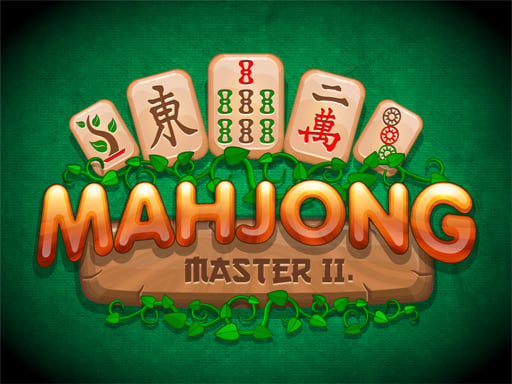
Mahjong Master 2
Tiles are stacked in a pyramid and you remove matching pairs; only tiles with at least one free side can be picked. Fast matches earn bonus points and stars, but you can also take it slow. New to the game? The mahjong solitaire rules will get you going.
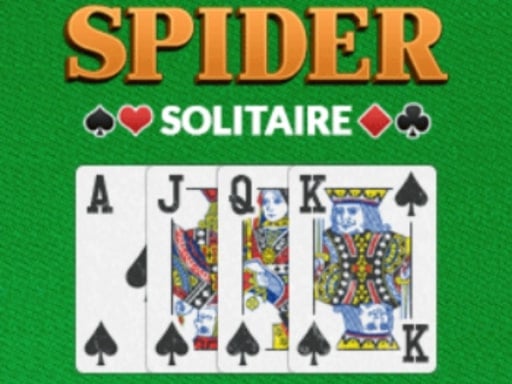
Spider Solitaire Pro
Two decks, and you build runs from high to low on the table, clearing each completed sequence. Drag and drop with the mouse, or drag with a finger on a phone. A hand can last a while and the screen is still most of the time, which makes it a good match for a long evening on an old laptop.
Ludo Classic
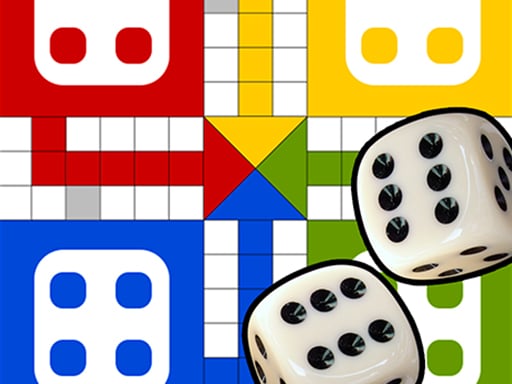
Roll the die, pick a token, bring it home. Two people can take turns on the same device. Each move is one click and a short hop across the board. If there is an old family PC in the corner, Ludo Classic is an easy excuse to switch it back on.
Quick ways to lighten your browser
Even a light game can stutter if the computer is busy with something else. Before you start, try this:
- Close every tab except the game; video and social media tabs keep working in the background.
- Quit programs you are not using, and let any running update finish first.
- Plug the laptop in. On battery, many laptops slow themselves down to save power.
- Keep your browser updated and check that hardware acceleration is switched on in its settings.
- If the game is slow right after opening, give it a few seconds; things usually settle once the files have loaded.
If a game will not open at all, stays on a black screen or has no sound, the cause is more likely a browser setting than a weak computer. The browser game troubleshooting guide walks through the fixes step by step. And if you wonder why games with nothing to install also work on school or office machines, read what an HTML5 game is.
Which one to start with
Not sure how much your computer can handle? Open tictactoe or Spider Solitaire Pro first. If those do not run smoothly, the problem is probably the browser or something running in the background, not the game. If they open fine, move on to the puzzles, then to moving games like the snake game and Maya Brick Breaker-3. Keep REFLEX PONG for last, since it asks the most of your reflexes. For more simple games, browse the arcade, puzzle and board game categories.
Frequently asked questions
Do I need a graphics card for these games?
All of them are simple 2D games, so they should run on laptops without a dedicated graphics card. Still, every machine is different; playing for a couple of minutes is the only real test.
Can I play on a school computer or Chromebook?
The games open in the browser and install nothing. If the school network blocks certain sites, though, that is a network rule, and neither we nor the game can change it.
The game is lagging. What should I do?
Close the other tabs, reload the page, and plug the laptop in. If it still lags, switch to a calmer game; board and card games feel far less choppy.