Ancient Aztec Coloring: Eight Patterns, Over Twenty Shades
📚 Game Guides: games picked by genre, one page each
What is Ancient Aztec Coloring?
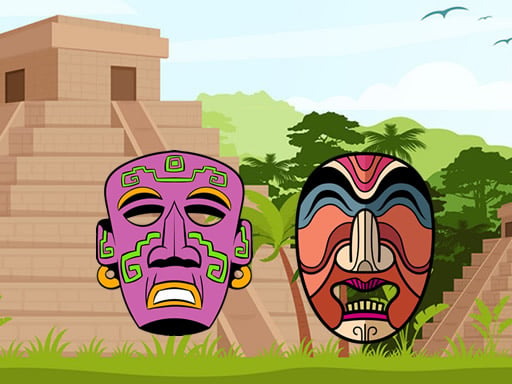
Eight drawings built from ancient Aztec motifs wait on the picker screen, and you take whichever one you like. The palette holds more than twenty shades, and a finished piece can be saved to keep. Finishing a picture quickly pushes your score up too.
How to play
Choose one of the eight drawings to start. Click a shade in the palette, then click the region you want to fill and that area takes the color. Changed your mind? Pick another shade and click the same region again, and the old one disappears. Once every region is filled the picture counts as done, so save it and open a fresh drawing.
Controls
| Key | Action |
|---|---|
| Left click | Pick a shade and fill a region |
| Save button | Keep the finished picture |
| Touch | Pick a shade and tap the region on a phone |
Tips
- Fill the big background regions first and leave the thin patterning for last; the picture stays tidier that way.
- Put contrasting shades in neighboring regions and the Aztec patterning really stands out.
- Score follows speed, so pick one shade and fill every region that needs it before you switch.
Frequently asked questions
Can I save the picture?
Yes, the game has its own save option, and you can always take a screenshot as well.
I filled the wrong region, can I undo it?
There is nothing to erase. Pick a new shade, click the same spot, and the old color is gone.