What Is an HTML5 Game, and Why Is There Nothing to Install?
You click a game, it appears, you play. No setup window, no licence agreement, no folder of files left on your computer afterwards. That is an HTML5 game, and the name is simply the technology the page is built from. Every game on Oyun Köşesi works this way.
What the name actually means
HTML is the language web pages are written in. HTML5 is the version that gave the browser three things it did not have before: a drawing surface for moving pictures, a way to play sound without a plug-in, and enough speed to keep both running smoothly. Put those together and a web page can be a game rather than a document.
In everyday terms: the game is a page. Your browser downloads it the same way it downloads a news article, then runs it inside the tab. Close the tab and the game is gone from your machine.
Why nothing needs installing
A phone game or a desktop game has to be copied onto your device before it can start. That copy is what an app store is for, and it is why you are asked for a password, storage space and permission to send notifications.
A browser game skips all of that because the browser is already installed. Chrome, Safari, Firefox and Edge all understand HTML5 out of the box, and have done for years. There is nothing to grant access to, nothing to keep updated and nothing to uninstall later.
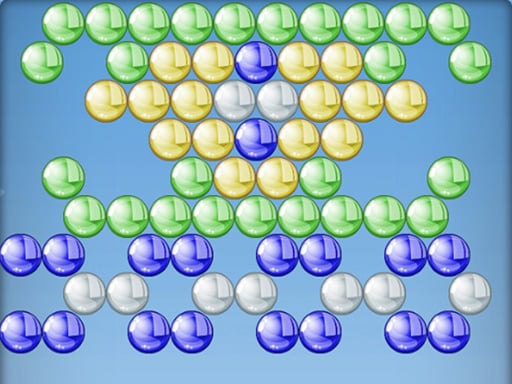
The practical result is speed. Bubble Shooter is on screen in a couple of seconds on a normal connection, which is less time than an app store page takes to load its screenshots.
What it still needs from you
- A reasonably current browser. If yours has not been updated in several years, some 3D games will stutter or refuse to start.
- A working connection while the game loads. Small puzzle games finish loading almost at once; a 3D driving game may take fifteen or twenty seconds because there is more to fetch.
- Enough screen. Some games are built around a keyboard and simply have no touch controls, and the game page says so before you start.
- Permission to make sound, which most browsers hold back until you click inside the page once.
What you give up, and what you do not
You do not give up saved progress. A browser game can store your levels, coins and settings on your own device, so Blocky Adventures remembers which of its fifty levels you have finished when you come back tomorrow. What you should know is that the save lives in that browser on that device. Clearing your browsing data wipes it, and opening the same game on your phone starts you at the beginning.
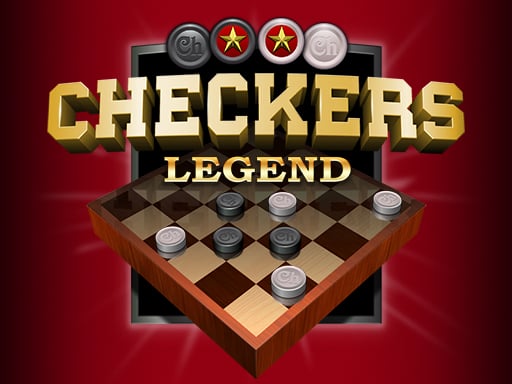
You do not give up two player games either. Checkers Legend lets two people share one device, and keyboard games split the keys between two pairs of hands.
What you do give up is the very large game. A title that takes forty gigabytes on a console is never going to arrive through a browser tab. Browser games are built to be short, clear and quick to restart, and that is a design choice rather than a limitation you have to work around.
No account, no payment, no advertising traps
None of these games ask you to register. There is no profile to create, no email address to hand over and no free trial that turns into a subscription. If a game shows a shop, the currency in it is earned by playing.
This also makes the games easy to hand to a child without a talk about passwords first. The Kids section is built around that idea.
Try it in one click
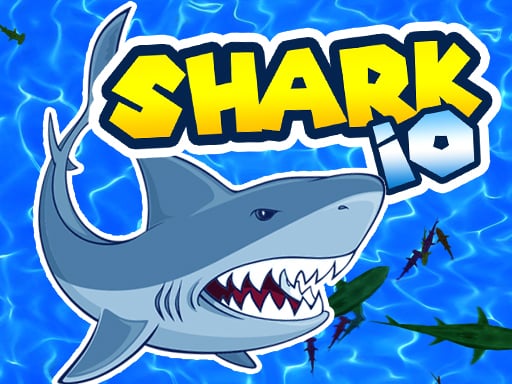
The quickest way to understand the point is to open one. Shark io drops you into a sea as a small fish with one instruction: eat anything smaller. It needs no explanation, no download and no sign-up, which is the whole argument for HTML5 games in a single tab.
If you would rather sit and think, the Puzzle and Match & Block sections hold hundreds of games that load just as fast. Next, it helps to know how a browser game loads, saves and makes sound, because a few small habits make all of them run better.