One Bit: A Pixel Platformer Where You Drop Your Own Checkpoints
📚 Game Guides: games picked by genre, one page each
What is One Bit?
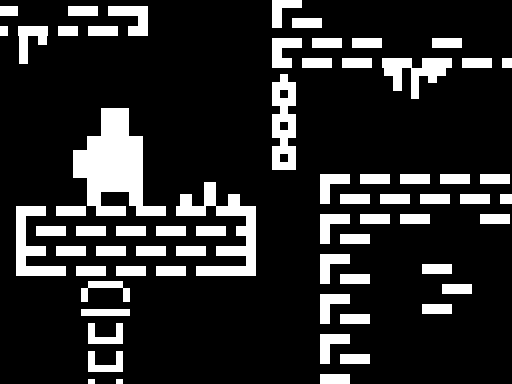
One Bit is a stripped-back platformer drawn in black and white pixels. You steer your character past spikes, gaps and moving platforms to the end of the course. Dropping a checkpoint before a hard section is the heart of the game.
How to play
Move and jump with WASD or the arrow keys, and press C to leave a checkpoint where you stand. When you die you continue from the last checkpoint you placed, or from the start of the level if you never placed one. The courses are full of spike fields, narrow ledges and jumps with tight timing. Reach the finish marker at the end and the level is complete.
Controls
| Key | Action |
|---|---|
| WASD / Arrow keys | Walk and jump |
| C | Drop a checkpoint |
| Touch | On-screen buttons for moving and jumping |
Tips
- Press C just before you commit to a hard jump, then you can retry it as many times as you need.
- Place the checkpoint on solid ground rather than right on the lip of the danger.
- On moving platforms, leap as the platform starts pulling away from you, not as it arrives.
Frequently asked questions
Can I drop a checkpoint anywhere?
You drop it with C wherever your feet are standing, and a new one cancels the previous one.
Does it work on a phone?
Yes. On mobile you move and jump with the touch buttons shown on the screen.