Troubleshooting Browser Games: Won't Load, Black Screen, No Sound, Lag
Browser games break in four ways, and all four have short answers. Work down the list for your symptom and stop as soon as it plays. None of this needs any technical knowledge, and nothing here can damage anything.
The game will not load
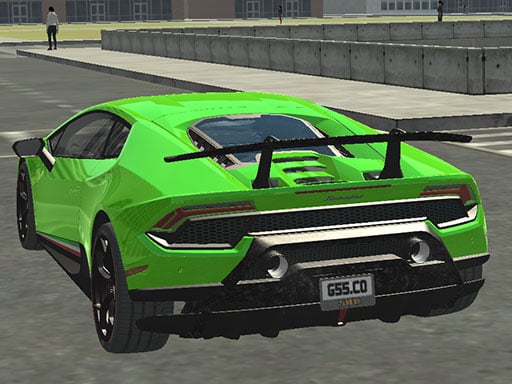
A loading bar that creeps is usually normal. A big 3D game such as Real City Driving 2 has a whole city to fetch before it can show you anything, and the first visit is always the slowest one. Give it half a minute before deciding it is stuck.
If it truly stops, in this order:
- Reload the page. Most stuck loads are one interrupted download, and a reload fixes them.
- Check your connection by opening another page. A phone that shows full signal can still be on a dead connection.
- Turn off data saver for one visit. Android's Data Saver and the low data mode on an iPhone can hold back part of a page, which looks exactly like a game that will not finish loading.
- Try a different browser. Chrome, Safari, Firefox and Edge all run these games, but an old version of any of them can fail on newer ones.
- Switch off an ad blocker or privacy extension for the site. These sometimes block the file the game itself is stored in.
Black screen, or a frame with nothing in it
This is the game having loaded and then failed to draw. Almost always it is one of three things.
- The browser is out of date. Updating it fixes more black screens than anything else on this list.
- Hardware acceleration is switched off in the browser's settings, so 3D games have nothing to draw with. Turn it on and restart the browser.
- Too many tabs are open and there is no memory left for the game. Close the others and reload.
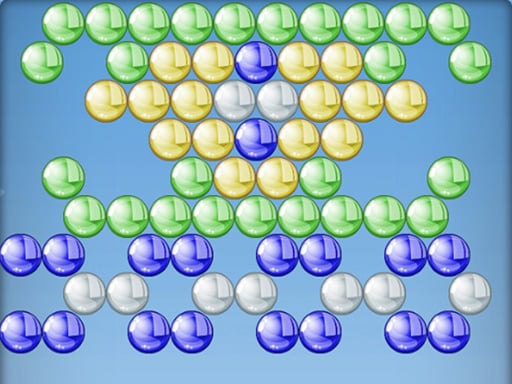
If a light game such as Bubble Shooter shows up fine and only 3D games go black, it is the graphics side, so start with the second point.
No sound
Browsers mute pages that try to make noise before you touch them. That is deliberate and it catches everyone.
- Click or tap once inside the game frame. That single action usually unlocks the audio.
- Look for a speaker icon inside the game itself, which is a separate control from your device volume.
- Right click the tab and check it is not muted, since a tab can stay muted long after you forgot doing it.
- On an iPhone, check the physical silent switch. It mutes browser audio in cases where the same phone still plays music normally.
- On a laptop, check the output device, because a pair of headphones left connected takes the sound away from the speakers.
Music games are worth getting right before you start: Bloom is hard to time without hearing the track.
Lag, stutter and slow motion
Lag means the picture is updating too slowly for your hands. The fixes go from easiest to most drastic.
- Close other tabs, especially video and video calls. They take the same resources the game needs.
- Go full screen. It is often smoother than a small frame, and it keeps stray clicks out.
- Turn the quality down inside the game if it offers a setting, since most 3D games do.
- Unplug a second monitor or lower the screen resolution on an older laptop.
- On a phone, let it cool. A warm phone slows itself deliberately, and low power mode does the same.
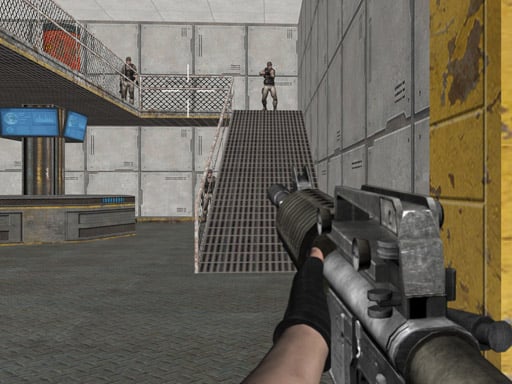
If nothing helps, the game may simply be heavier than the device. Shooting games such as Warfare Area ask far more of a machine than a 2D puzzle does, and there is no setting that makes an old laptop into a new one.
The keys stopped working
This one looks alarming and is nearly always the same thing: the game frame lost focus, so your keys are going to the page instead. Click once inside the game and they come back. Going full screen prevents it, which matters in games where the space bar and arrows are also page scrolling keys.
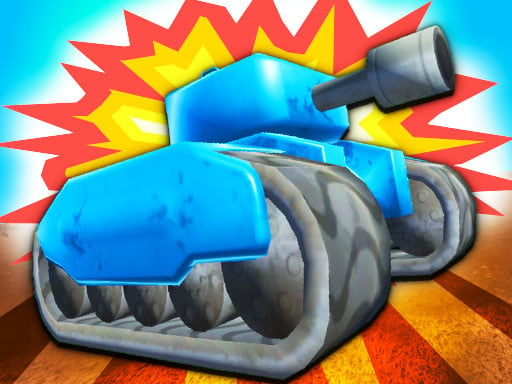
In a two player game, check that both people are on the right keys before assuming a fault; TankHit puts one player on W A S D and the other on the arrows, and the T and P firing keys are easy to mix up.
My progress disappeared
Saved progress lives in your browser on the device you played on. It is not on an account, so it cannot follow you. Clearing cookies and site data deletes it, a private window throws it away on closing, and a different browser on the same computer has its own separate copy. There is no way to recover a save once it is cleared.
Still stuck
Try a second game from the same section. If that one works, the problem is the game rather than your setup. The Car & Parking and Puzzle sections are a good pair to test with, because one is heavy and the other is light.