The best 3D browser games, and where the third dimension actually matters
Short answer: for driving, open Super Car Driving 3d Simulator; for flying, Dragon Simulator; for aiming, Sniper Mission War. On an older laptop or a phone, start with Chess 3D and Bowling 3D 2022 instead. All twelve games below run in a browser tab on Oyun Köşesi with nothing to install. The ranking asks one thing: does the third dimension change how you play, or is it just decoration?
When 3D really makes a difference
In a flat game the screen works like a map: you see everything from above or from the side. In 3D, distance, height and the direction you are looking become part of every decision. Being 3D does not make a game good on its own. It earns its place when at least one of these is true:
- You have to judge distance by eye, like lining up a scope or arcing a ball into a hoop.
- Height is a choice you make: climbing, diving, meeting a ring at the right altitude.
- Staying unseen is the rule: walls, corners and which way a guard is facing.
- The weight of a vehicle matters: sliding, braking distance, the long swing of a coach around a bend.
In games whose rules stay identical on a flat board, such as chess, 3D changes the feel but not the strategy. Each entry below says which case it falls into.
Which 3D games strain a weak computer
A 3D game redraws the whole scene every frame, so the bigger the scene, the more work. An open city, a wide sky or a forest holds far more objects than a bowling lane seen from a fixed camera. This is a rough order by scene size, not a benchmark. The page for Super Car Driving 3d Simulator itself warns that the frame rate can drop on low-end hardware.
If a game stutters, close your other tabs first. If it will not load at all or stays on a black screen, work through the steps in our browser game troubleshooting guide.
Open-world 3D: driving and flying
Here 3D is all about movement. A car, a plane or an animal travels through a space, and you steer, pace and climb at the same time. Every game in this group was built around a keyboard, so play it on a computer.
Super Car Driving 3d Simulator
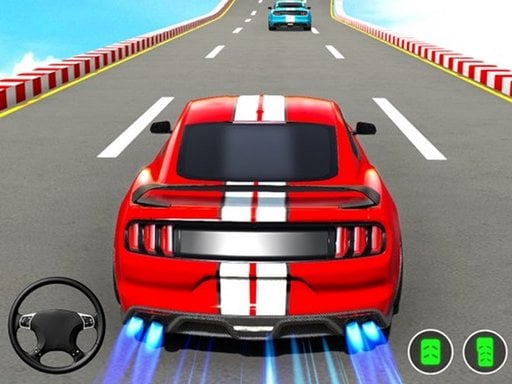
A sports car, an open city, no traffic and no clock. W and S are throttle and brake, A and D steer, Space pulls the handbrake. The car has real weight, which is where 3D pays off: you read the moment the rear wheels let go from the camera angle. It is single-player with no level structure, so you set your own drift targets. Our guide on how to drift in games covers the technique.
Rally Point 3
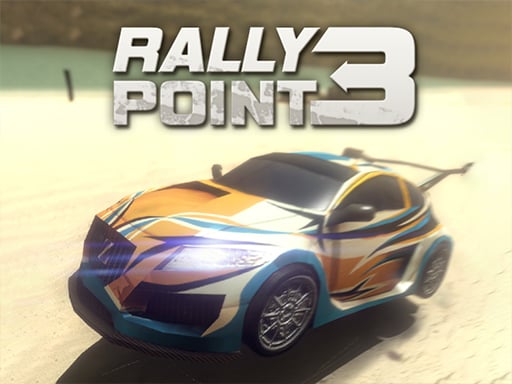
A mission-based rally game: finish first to unlock faster cars. Everything sits on the arrow keys. The catch is engine heat; hold full throttle too long and the engine blows, ending the race. On dirt you see the longer braking distance coming as the corner approaches in the 3D stage.
Intercity Bus Driver 3D
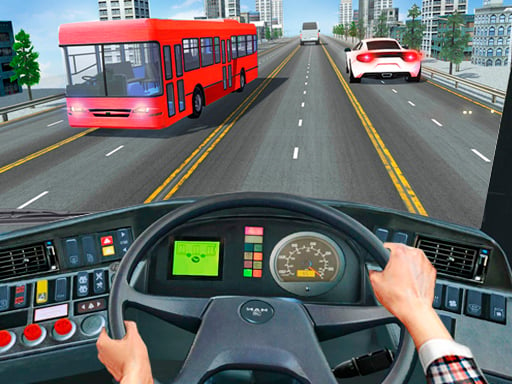
Pick up passengers at a stop and drive them down the motorway to another city's coach station. W and S for throttle and brake, A and D to steer, the mouse for menus. The length of the bus is something you feel in 3D; after a few tries you learn to turn in a car length later than you would in a hatchback.
3D Air Racer
Fly through floating rings in order across 20 levels, unlocking new planes as you go. Steer with the mouse or arrow keys, turn the nose with A and D, and hit 1, 2 or 3 for stunts. Altitude is a genuine decision here: drop too low and you have to climb back up for the next ring.
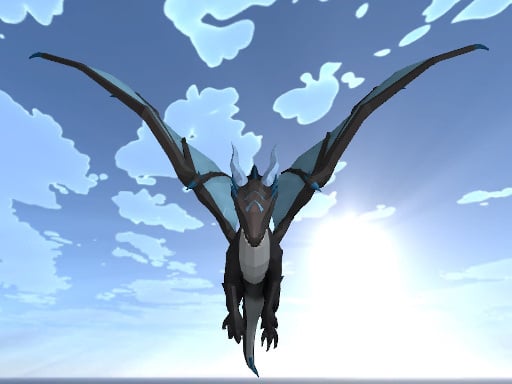
Dragon Simulator
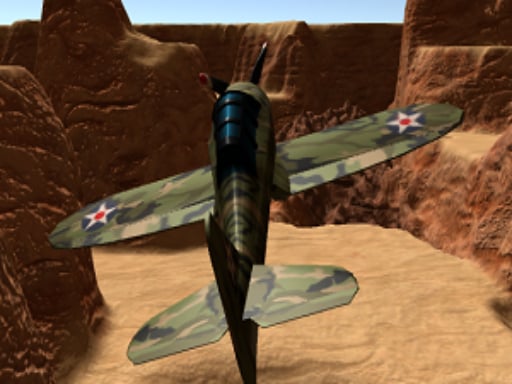
You are a huge dragon with an open sky to yourself. WASD moves, Space climbs, Left Shift speeds you up; left click throws a fireball, right click is a close attack. When you meet other dragons, height advantage decides a lot, so 3D is more than scenery. Because it draws such a large world, it is one of the likelier candidates to push an old machine.
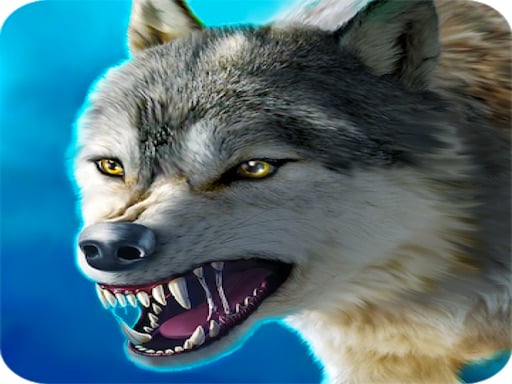
Wolf Simulator 3D
Design your own wolf, then head into the forest and build a pack. WASD to run, Space to jump, the mouse to turn the camera. The on-screen quest list points the way, and the map is big enough that wandering at random wastes time. Touch controls can be limited on a phone; a computer is more comfortable.
For more on the driving side, see the 3D car driving games guide and the racing games category.
Depth and line of sight: aiming and stealth
In these three, 3D does its job through distance and field of view. How far away the target is, whether a wall hides you, where the barrel points: you read all of it from the depth of the scene.
Sniper Mission War
Each stage gives you on-screen instructions, and you move into position without being spotted. WASD to move, right click for the scope, left click to fire; Ctrl runs, Space jumps, F interacts. Get spotted and you restart the stage, so it suits a patient player. Reading range through the scope is the clearest thing 3D adds.

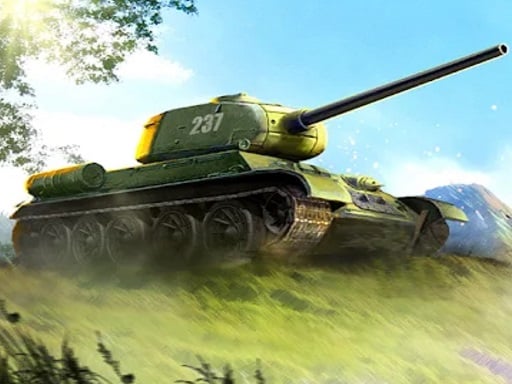
Wars Tanks 2022
Drive a heavy tank with WASD, swing the turret with the mouse, fire with left click. The tank turns slowly, so you aim a little ahead of a moving target. Parking behind a ridge with only the barrel showing cuts the hits you take, a trick that only works on 3D terrain. Tanks differ in speed and armour.
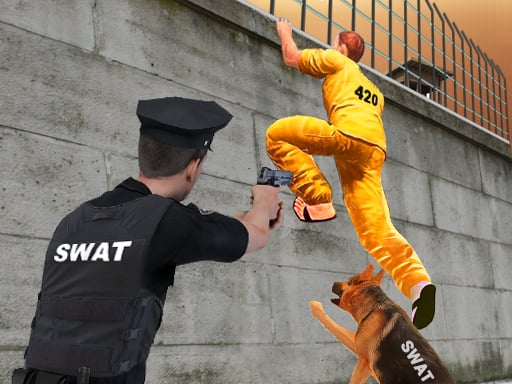
Prison Survive Break Escape
Get out of your cell and past the corridors, the yard and the outer wall without a guard seeing you. WASD to walk, Shift to run, the mouse to look, left click to use items. Watching where a guard faces and picking the dark corner is the whole game; get caught and you are back in the cell. Not a shooter, but the same stealth logic.
The rest of the genre lives in the shooting games category.
Light 3D: table and court games
Fixed camera, small scene, mouse or finger control. These three are the easiest 3D picks for an old computer or a phone, and all three support touch.
Bowling 3D 2022
Slide the ball left or right at the foul line, then drag it forward with the mouse, or swipe with a finger on a phone. Drag speed sets the power, the angle sets the curve. Seeing on the 3D lane which way the ball will enter the pins is what separates it from a flat bowling game.

Basketball Tournament 3D
A free-throw contest at a 3D hoop with six separate modes. Set direction and power with the mouse or a finger, then shoot. A clean shot that touches neither rim nor backboard scores 3 points from any distance, so a high arc is worth learning. That arc only makes sense on a court where you can see depth.

Chess 3D
Standard chess on a three-dimensional table. Select a piece and its legal squares light up, which lets you learn the rules by playing. You face a computer opponent and pick the difficulty in the menu. Here 3D leaves strategy untouched and simply makes it feel like a real set. If you are new to the rules, our chess and checkers guide for beginners is a good starting point.

Which one to start with
- Strong computer and some time: Super Car Driving 3d Simulator or Dragon Simulator, where 3D feels widest.
- Something with goals and levels: 3D Air Racer or Rally Point 3.
- You like slow, careful play: Sniper Mission War or Wars Tanks 2022.
- Old laptop or a phone: Bowling 3D 2022, Basketball Tournament 3D, Chess 3D.
For a fuller picture of what runs well on a small screen, read browser games on phone and tablet.
Frequently asked questions
Do I need to download anything to play 3D games?
No. Every game on this list opens in a browser tab, with no separate program to install. An up-to-date browser is enough.
Which 3D games work on a phone?
Three on this list support touch: Bowling 3D 2022, Basketball Tournament 3D and Chess 3D. The driving, flying and aiming games expect a keyboard and mouse, so they belong on a computer.
What should I do if a game lags?
Close other tabs and background programs first. Then try a game with a smaller scene; bowling or chess usually runs more smoothly on older hardware than an open-world simulator.