12 Games You Can Play Without Downloading, From FPS to Big Rigs
When people search for games without downloading, they usually expect word puzzles and card games. But the genres that normally eat up a hefty install on PC or console, like first-person shooters, battle royale, truck simulators, 3D racing and survival, also have versions that open straight in a browser tab. The 12 games below start on Oyun Köşesi the moment the page loads: no account, no installer, no patch to wait for.
What made the cut
The rule for this list was simple: the game has to belong to a genre you would normally download and install, and it has to run in 3D in the browser. The point here is to collect the genres that make you say 'wait, that runs in a tab?'. If you want to know how a game loads with nothing installed, What is an HTML5 game? covers the technical side. This page is only about what to play.
One heads-up: only two of these 12 games are comfortable on a phone. The rest need a keyboard and mouse, because first-person aiming and steering a heavy vehicle are hard to do with your thumbs.
Shooters and battle royale without an install
First-person shooters are famous for their download sizes. There are more in the shooting games category.
Warfare Area
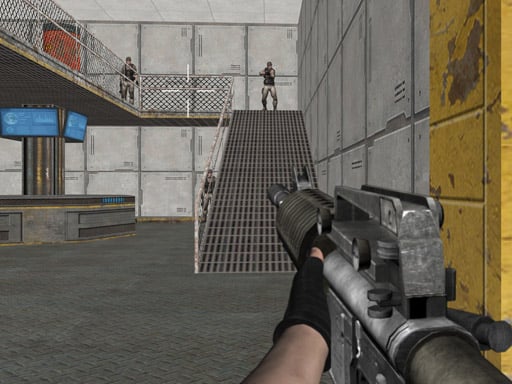
Warfare Area is a classic single-player FPS mission: the enemy has overrun a military base and you push through it alone until every soldier in the zone is down. WASD moves you, the mouse aims and left click fires. It is one of the two games on this list that also works on a phone, where a joystick on the left walks you and dragging on the right side aims.
Brutal Battle Royale
The battle royale formula survives the trip to the browser. In Brutal Battle Royale you drop in empty-handed, hunt the map for a weapon and try to be the last one standing. F picks up loot, R reloads and the mouse wheel swaps guns. It is single-player and keyboard-only, so skip it on mobile.

Paintball Gun Pixel 3D
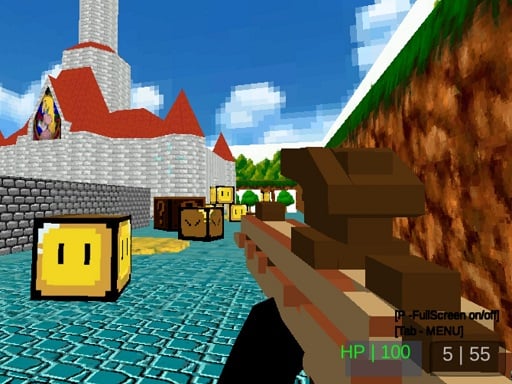
If you like shooters but would rather skip guns and gore, Paintball Gun Pixel 3D is a good swap. You tag opponents with paint balls in blocky pixel arenas. Matches are built around multiplayer; if the room is empty, you can still roam the map and practise your aim. Space gets you on top of crates for the high ground and TAB brings up the scoreboard. Keyboard and mouse required.
Trucks, buses and racing: sims behind the wheel
Heavy vehicle simulators usually ship as large downloads. Similar titles live in the car games category.
American 18 Wheeler Truck Sim
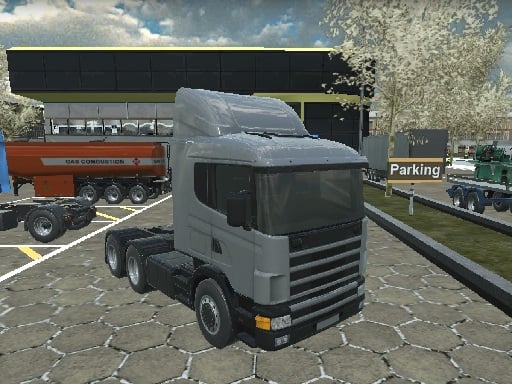
American 18 Wheeler Truck Sim has you hauling a loaded trailer along mountain roads to a drop-off point. W and S are throttle and reverse, A and D steer, and Space brakes. The trailer swings behind you, so take corners wide and slow down early on descents; tip over and the job restarts. Keyboard only.
Intercity Bus Driver 3D
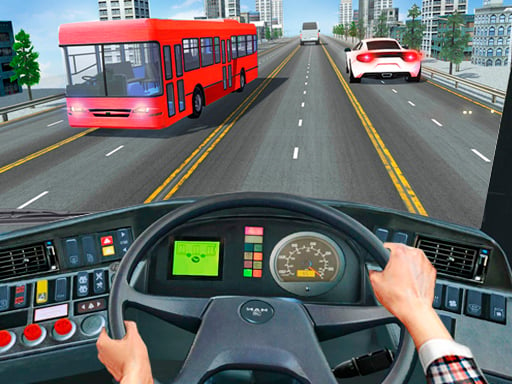
Intercity Bus Driver 3D asks you to pick up passengers at a stop and get them down the highway to another city's terminal on time. You drive with WASD or the arrow keys and choose jobs with the mouse. Crashing does not end the run, but it slows you down and puts the timer at risk. New routes open as you finish jobs. Play it on a computer.
Formula Rush Online
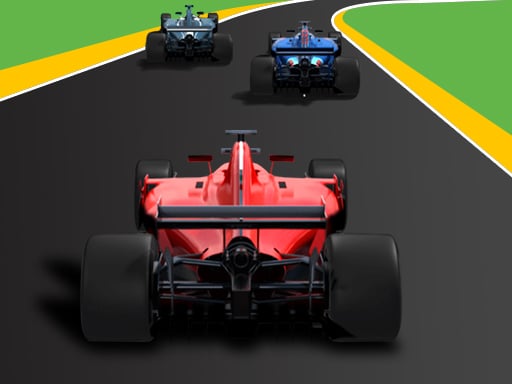
For track racing, Formula Rush Online is the pick: twenty drivers share every circuit, and finishing in the top three after five laps unlocks the next track. Arrow keys or WASD are all you need, and it runs on a phone too. These single-seaters are fast, so lift off before every corner and save your overtakes for the straights.
Real City Driving 2
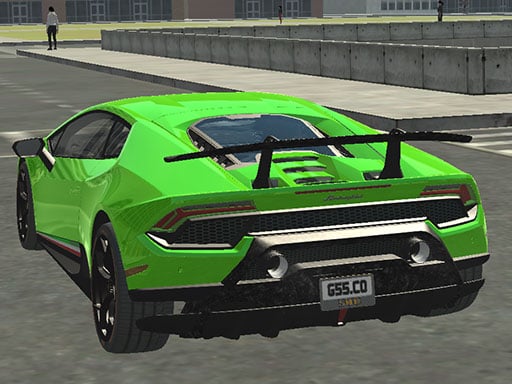
If you want no rules and no clock, Real City Driving 2 is pure free driving: pick a supercar from the garage, head into the city and set your own goal. Space brakes and C switches the camera. There are no rivals and no time limit, so chasing top speed or a clean lap is up to you. Needs a keyboard.
Animal and survival simulators
Open-area sims where you roam, follow quests and manage an inventory are another genre people tend to download. All three below are single-player and need a keyboard and mouse. The simulation games category has more.
Dragon Simulator
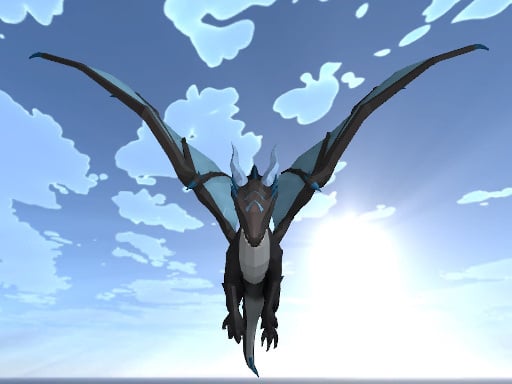
Dragon Simulator puts you in control of a dragon in open sky. Space climbs, Left Shift speeds you up and left click throws a fireball; hold Shift while clicking to breathe fire. M opens the map. Run into other dragons and things turn into a fight.
Wolf Simulator 3D
Wolf Simulator 3D makes you a wolf living in the forest. You set up your wolf's look first, then follow the quest list to build and grow your pack. WASD runs and Space jumps. A connection that keeps the page open is all it needs; nothing gets installed. Touch controls can feel limited on a phone, so a computer works better.

The Island Survival Challenge
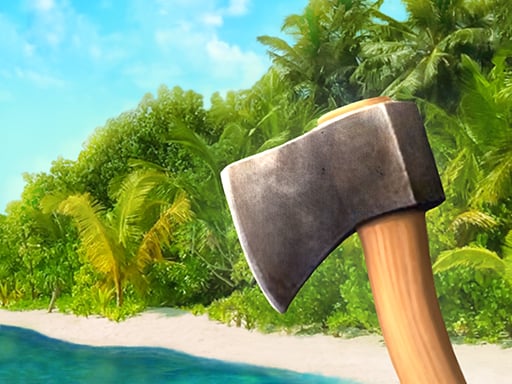
The Island Survival Challenge is a stripped-back browser take on survival. You start with nothing on a deserted island, press E to gather items and Tab to open your inventory. Instead of a classic ending, it is about how long you can hold out. The menus are in English, and the keys and icons are simple enough that you barely need to read.
3D adventure: escapes and dungeons
Third-person adventures are another genre tied to big installs. These two suit short sessions, and both need a keyboard and mouse.
Prison Survive Break Escape
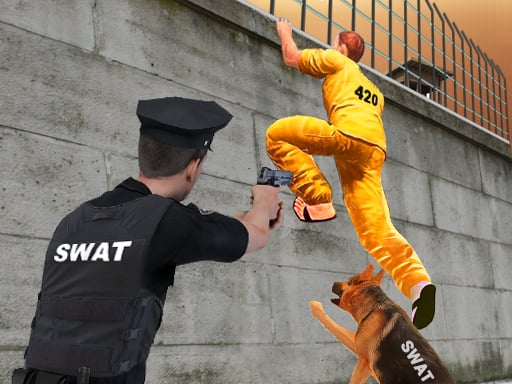
Prison Survive Break Escape is a stealth game: get out of your cell and past the corridors, the yard and the outer wall without the guards spotting you. WASD walks and Shift runs, but running draws attention. Get caught and you go back to the start of the level. Items you find along the way open locked passages.
Gloom:Gargoyle
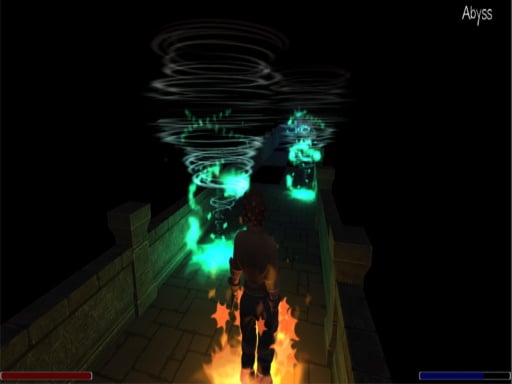
Gloom:Gargoyle is a fantasy adventure where you work through dark dungeons to recover lost artefacts. Key 1 lights your surroundings with a fire aura, 2 speeds you up with a time aura, and 3 trades health for mana. Auras burn mana constantly, so you cannot keep them all running. Play at a good pace and you can finish it in one sitting.
Which one should you start with?
A quick guide depending on what you are after:
- Playing on a phone: Warfare Area or Formula Rush Online, the only two here with mobile support.
- First time trying an FPS: Warfare Area first, then Brutal Battle Royale. The first is one clear objective; the second adds looting and weapon choice.
- Want to aim without guns: Paintball Gun Pixel 3D.
- Prefer long, relaxed drives: American 18 Wheeler Truck Sim or Intercity Bus Driver 3D.
- No rules at all: Real City Driving 2 or Dragon Simulator; in both you pick your own goal.
- Short adventure: Gloom:Gargoyle gives you a story you can wrap up in one session.
What to know before opening a 3D game in a tab
These genres run in the browser, but they ask more of your processor and graphics card than a simple puzzle does. The first launch loads the game files, so a few seconds of waiting is normal; later launches are often quicker. In full screen the mouse pointer locks inside the game, and Esc gets you out. If a game will not start at all, work through the steps in our loading troubleshooting guide.
Frequently asked questions
Do games without downloading really install nothing?
Nothing is installed on your computer. The browser loads the game files temporarily, and closing the page closes the game. The HTML5 article explains the details.
Which of these 12 work on a phone?
Warfare Area and Formula Rush Online run on a phone. The other ten rely on keyboard keys, so play them on a computer.
Can I play offline?
No. The games open in the browser, so you need a connection to load the page, and it should stay on while the game is open.
How are they different from the installed versions?
Maps, graphics detail and amount of content are leaner. In return they open in one click, never wait for an update and take no disk space, which makes them a quick way to try out a genre.