Dragon Simulator: Fly, Glide and Fight Other Dragons
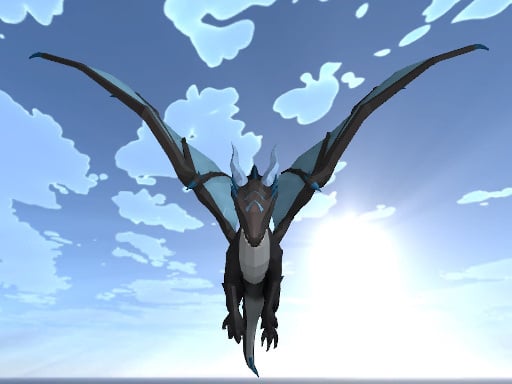
📚 Game Guides: games picked by genre, one page each
🌐 Browser (HTML5)🖥️ Desktop only⬇️ No download👤 Single player🆓 Free
What is Dragon Simulator?
You control an enormous dragon and the sky is yours to use. Run along the ground, climb into the air, glide and breathe fire as you please. Meet another dragon and it turns into a fight.
How to play
Move with WASD or the arrow keys, gain height with Space and pick up speed with Left Shift. Left click throws a fireball, and holding Shift with it turns the attack into a jet of flame. Right click is your close-range strike. M opens the map and C brings you down to land. Run out of health and you respawn to carry on flying.
Controls
| Key | Action |
|---|---|
| WASD / Arrow keys | Move |
| Space | Climb and take off |
| Left Shift | Speed up |
| Left click | Throw a fireball |
| Right click | Close-range attack |
| M | Open the map |
Tips
- Do not hold the speed key the whole time, because gliding makes turning much easier.
- Aim slightly ahead of your target before you breathe fire, since dragons are always moving.
- Hold on to the height advantage; attacking from below is far harder work.
Frequently asked questions
Is flying hard to learn?
Getting used to climbing with Space takes about a minute. After that the flight is completely open.
Can I play on a phone?
The controls rest on keyboard keys, so the game is much more comfortable on a computer.