Painting, piano or puzzles? Pick kids games by what your child loves to do
The quickest way to pick a kids game online is to ask what your child feels like doing right now: coloring, making noise, fitting pieces together, or putting things where they belong. This guide groups the kids games on Oyun Köşesi by exactly those activities. Next to each group we also say whether the game asks for any reading, because for a child who cannot read yet, the real obstacle is usually the text on screen, not the game itself.
What counts as a kids game here?
The kids games in this guide are browser games whose rules fit into a sentence or two, that work with one finger or a mouse, and that keep the pressure of losing low. Every one of them is single-player. All twelve games below run on phones and tablets with touch controls, and there is nothing to install: the page opens and the game starts.
They share one more trait: none of them puts your child up against another player. Success means finishing a picture, reaching the end of a song or popping the last bubble on a tray. If you want the safety side covered in depth, meaning ads, accounts and screen time, we wrote a separate piece for that: our parents guide to browser games. This guide maps the game types instead.
Kids games by type of activity
The groups below are built around what the child actually does on screen, not around the game title. Each heading starts with a one-line note about reading.
Coloring games
No reading needed. Coloring is the easiest way in for young kids, because a mistake costs almost nothing. In I Can Paint your child drags a paint bucket around the screen and everything it passes over gets colored. A faint template sits underneath; trace over it and a finished picture appears. Kids who prefer to scribble can ignore the template and paint freely. There is no timer and no eraser either, so if a page goes wrong, restarting the level gives a clean sheet.
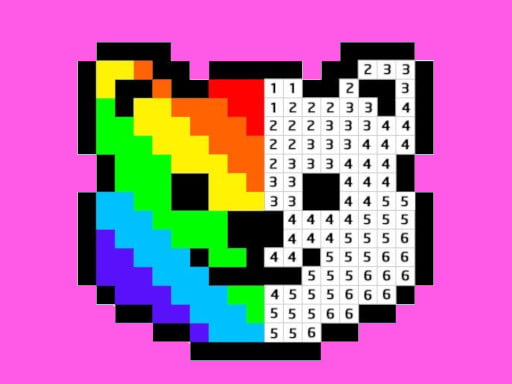
Pixel Art - Color by Numbers puts the same pleasure into a tidier pattern. Every square carries a number, and your child picks that number from the palette and fills the square. No words to read, but number recognition helps. Tapping a square with the wrong color does nothing, so the picture never gets spoiled. It works nicely as a next step for a child who is just learning numbers.
Music games
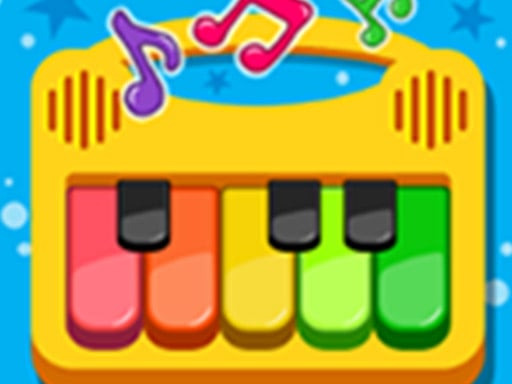
No reading needed. Piano Kids Music Songs behaves like a box of instruments: choose piano, xylophone, drum kit, trumpet, flute or guitar, then tap the colorful keys to make sounds. The sounds come from real instrument recordings. In song mode the next key lights up, and each press on the marked key moves the tune along. There is no score and no clock, so a wrong note simply does not exist. On a touch screen, several keys can be pressed at once.
Jigsaw puzzles
No reading needed. Dragon Hunt Jigsaw offers twelve storybook-style dragon pictures and three difficulty levels: 25, 49 or 100 pieces. When a piece gets close to its spot it snaps into place; if the spot is wrong, it stays in hand. That snap is a big help for small fingers. The 25-piece mode is a sensible first jigsaw, while the 100-piece mode tends to pull an older sibling or a parent into the session. The artwork is bright and not scary.
Sorting games
No reading needed. Here the child moves objects to the right place according to one rule. In Color Ring Sort rings are stacked in mixed colors on poles, and the goal is to gather each color on its own pole. A ring can only go onto an empty pole or on top of a ring of the same color. The first levels start with very few rings, and there is an undo button.
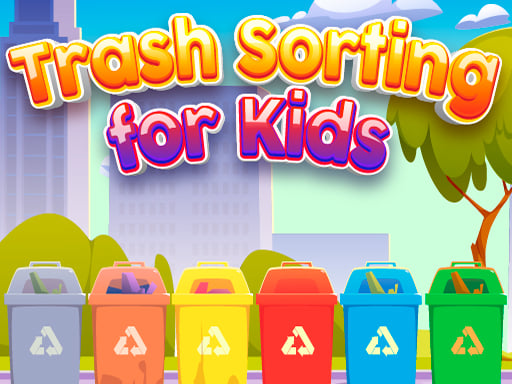
Trash Sorting for Kids takes the same idea into everyday life: bottles and bags go in the plastic bin, newspaper and cardboard in the paper bin, fruit peel in the food waste bin. Each bin shows an icon, so a child who cannot read can decide by looking at the picture. Drop an item in the wrong bin and it simply comes back. Curbside rules differ from town to town, so treat it as the basic idea rather than your local recycling guide.
Tap, pop and open games
No reading needed. This is the type the youngest kids grasp fastest: touch the screen, something happens. Pop It Now is the on-screen version of the silicone fidget toy. Pop every bubble on the tray and a new toy unlocks; there is no timer and no game-over screen. Surprise Egg Fall Toys has your child tap away at an eggshell until it cracks open and a small toy comes out. Different eggs hold different toys, which gives it a gentle collecting feel.
Attention and comparison games
No reading needed. Happy Valentines Day Spot the Difference shows two pictures side by side, and your child taps the differences one by one. When stuck, a hint button reveals one difference, and a wrong tap costs very little. Scanning a picture area by area is a good habit for older preschoolers. We looked at what this type of game offers kids in a separate article about spot the difference games for kids.
Kitchen and prep games
Little reading, some guidance. Blend It Perfect runs through slicing fruit, blending it and pouring the juice into a glass. Your child has to follow the recipe, pick the right fruit and stop pouring just before the glass overflows. Because there are several steps, sitting next to them for the first few rounds makes things smoother.
Movement and reflex games
No reading needed, but hand-eye coordination matters. Maya Brick Breaker-3 is about sliding a paddle to bounce a ball and knock down a brick wall. If the ball drops past the paddle, the round ends, which makes it one of the few games on this list you can truly lose. Arrow keys or the mouse work on a computer, a finger on a phone. Hide 'N Seek! takes place in a maze: in one level your child runs away and collects gems, in the next they are the seeker hunting for the others. The characters are cartoon-style, with no spooky sounds.
Controls: tap, drag, keyboard
With kids games, the controls can matter more than the rules. The games here rely on one of four movements:
- Tap: Pop It Now, surprise eggs, the kids piano, spot the difference, ring sorting. One finger is enough.
- Drag: the paint bucket, the jigsaw, trash sorting. The finger has to stay on the screen while moving, which takes a little practice at first.
- Press and hold: in the juice game, to run the blender and fill the glass.
- Keyboard or precise dragging: arrow keys in the brick breaker, and in some levels of the maze game.
A tablet is often easier for small children than a computer, since holding a mouse button down while dragging is hard for a small hand. For notes on screen size and orientation, see our article on browser games on phones and tablets. If key names feel unfamiliar, the game controls glossary spells them out.
How do you choose the right game for your child?
Three questions usually settle it. First: can they read? If not, start with the groups marked no reading needed above. If they know their numbers, color by numbers joins the list. The juice game, with its several steps, is best opened together the first time.
Second: how do they handle losing? If losing upsets them, stay with games that have no timer and no fail state: coloring, piano, Pop It Now and the surprise eggs. The brick breaker and the maze game can end a round, so you might save those for a more patient phase.
Third: how long do they sit still? For a few minutes of attention, pick games where one level ends quickly: one tray of bubbles, one surprise egg. For a child who settles in for longer, a 49 or 100-piece jigsaw or a big pixel picture is the better fit. That is also why limiting play by levels instead of minutes works well in practice: two jigsaws, one song, then done.
A starting path by age
This order is not an official age rating. It is our suggestion, based on how easy the controls and rules are to pick up. Every child moves at their own pace.
- First step, the youngest: Pop It Now and the surprise eggs. Tapping is enough and nobody loses.
- Second step: the kids piano and the paint bucket. Choosing and dragging come into play.
- Third step: the 25-piece dragon jigsaw and trash sorting. Placing a piece in the right spot, deciding by looking at an icon.
- Fourth step: ring sorting, spot the difference and color by numbers. Thinking a move or two ahead, scanning carefully, recognizing numbers.
- Fifth step: the juice game, the brick breaker and the maze game. Multi-step tasks, timing and rounds that can be lost.
For a narrower selection aimed at preschoolers, with more letters and shapes, read safe browser games for preschoolers and browse our preschool games page.
Best kids games, sorted by activity
Use the cards to jump straight into a game. All of them are single-player and work on touch screens.
For the child who wants to play with color: one free-form dragging game and one neat numbered one.

For two very different kids: one who loves making sounds and one who loves fitting pieces together.

For kids who like everything in its place: rings by color, trash by type.

For the littlest players, two calm games that react to a single tap.


For children who enjoy looking closely and preparing something step by step.

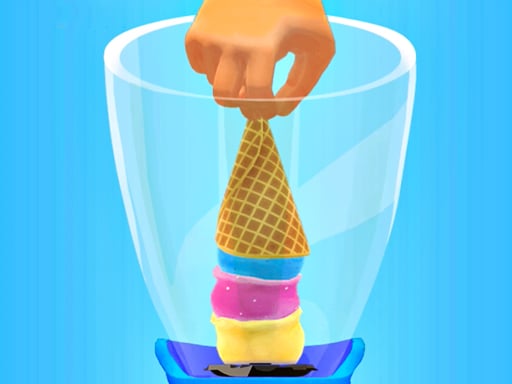
For older kids who want a bit of movement and excitement and do not mind losing a round.

Want more? Browse the full kids games category.
Related reading
If you want a parent checklist on ads, sign-ups and time limits, our parents guide to browser games covers exactly that. If your child is drawn to games about caring for and feeding little ones, the baby care games guide for parents offers its own age-based order. And if spot the difference was a hit, our spot the difference games page collects similar ones in one place.
Frequently asked questions
Which games can a child play before they can read?
Coloring, music, the jigsaw, ring sorting, trash sorting, Pop It Now, the surprise eggs and spot the difference do not depend on reading text. Color by numbers needs number recognition, and the juice game asks the child to follow a few steps. A grown-up may still be handy for the first menu choice.
Can kids lose in these games?
Mostly not. The paint bucket, the kids piano, Pop It Now and the surprise eggs have no timer and no game-over screen. In the brick breaker the round ends if the ball drops, and in the maze game the runner has to avoid being caught before time runs out.
Do these kids games work on a phone?
All twelve games in this guide work on a touch screen. In the brick breaker and the maze game you swipe with a finger on a phone and use arrow keys or the mouse on a computer.
Can two kids play together?
These games are single-player. Taking turns is easy, though: in the jigsaw each child places one piece, in spot the difference one finds a difference and the other taps it. That brings turn-taking and conversation into the game.