Game Controls Glossary: What WASD, Arrows, Space and Drag Actually Mean
Every game page on Oyun Köşesi lists its controls in a short table before you start. The words in that table are the same handful, used the same way, across hundreds of games. Here is what each one means, with a game where you can see it working.
WASD
The four letters W, A, S and D, pressed with your left hand. W moves forward or up, S back or down, A left and D right. They sit in a diamond under your fingers on a standard English keyboard, which is why they became the movement keys for games that also need the mouse.
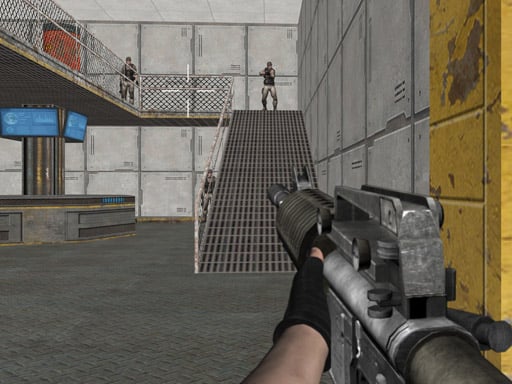
You will meet them in first person games such as Warfare Area, where your left hand walks and your right hand aims with the mouse at the same time. Many driving games accept them as an alternative to the arrows.
Arrow keys
The four arrows at the bottom right of a full keyboard. Up, down, left, right, with no learning required. Games that need only movement use them, and games for two people on one keyboard give the arrows to one player and WASD to the other, so that two pairs of hands are not fighting for the same corner.
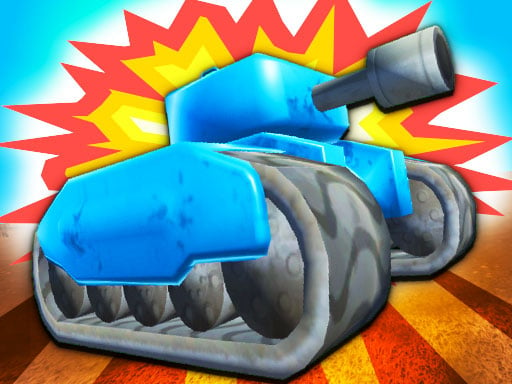
TankHit is the clearest example: player one drives with W A S D and fires with T, player two drives with the arrows and fires with P.
Two warnings. Some compact laptops shrink the arrow keys or hide them behind a function key, and in a page that is not full screen the arrows scroll the page instead of moving your character.
Space bar
The long key at the bottom. In games it almost always means jump, fire, or start. It is easy to hit without looking, so single-action games choose it: in Circle Jump the space bar is the entire game, and a left mouse click does the same thing.
The space bar also scrolls the page down when the game frame is not focused, so click inside the game once before your first jump.
Left click, right click and mouse move
- Left click means one press of the main mouse button, or one tap on a laptop trackpad.
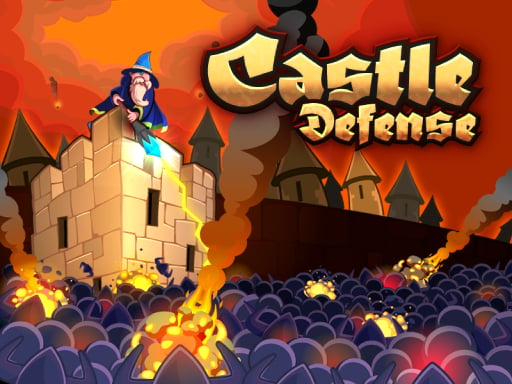
- Mouse move means the game follows your cursor without any pressing at all, which is how aiming works in Castle Defense.
- Right click, where a game uses it, is usually a secondary action such as aiming down sights.
- Hold means press and keep pressing. Charging a shot, stretching a rope or pulling a hand through a maze all work this way.
Drag and drop
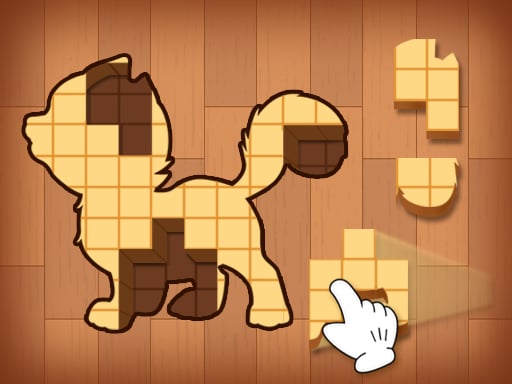
Press the button down on something, keep it down while you move, and let go where you want it. This is the control behind most puzzle games, and it needs no keyboard at all. In Woody Block Puzzles you drag a wooden piece from the tray onto the grid and release it into place.
The finger version is identical: touch the piece, slide, lift. That is why drag-based games move between a laptop and a phone without changing anything.
Tap, swipe and hold on touch
- Tap is a quick touch and lift, the equivalent of a left click.
- Swipe is a short flick in one direction, used to change lane or turn a corner.
- Drag is a slow, continuous movement while your finger stays down, used for steering.
- Long press is a touch you hold in place, often to charge or aim.
Paper.IO 2 accepts all three families at once: mouse movement, WASD or the arrows, and a finger drag on a phone. Games that list several control rows like this are the safe choice when you do not know what device you will be on.
Other keys you will see
- Escape leaves full screen and usually opens the pause menu.
- R restarts a level in most driving games.
- C changes the camera in 3D games, which is worth trying when a car feels hard to place on the road.
- Shift is sprint or dash; enter confirms a menu choice.
- Number keys pick a weapon, tool or spell.
If a key does nothing
Nine times out of ten the game frame has lost focus. Click once inside the game, go full screen, and try again. If a key still does nothing, check the control list on the game page rather than guessing, because a game that says a keyboard is required will not respond to taps at all.
The 2 Player and Shooting sections lean hardest on the keyboard, while Puzzle games mostly need nothing but a mouse or a finger.