2 player games with one or two keys each: skip the rules and start playing
One button 2 player games are the ones you can start without explaining anything: "you press W, I press the up arrow" is the whole briefing, and the first round teaches the rest. In seven of the ten games below each player has a single key; in the other three, two keys. Every one of them is either a wobbly physics fight or a quick timing duel, and since nobody is fully in control, rounds tend to end in laughter. We have also marked which ones work on a shared phone.
Why these games made the list
We asked one question: can someone who has never seen the game work out what to do in the first round? That ruled out anything with separate keys for moving, jumping and hitting. Sports MiniBattles, for example, is fun but asks for four keys per player, so it is not here. If you want single-player one button games instead, we have a separate list: one button games. If you are wondering how to split a keyboard between two people, 2 player games on one keyboard goes through key layouts in detail.
We split the list into three groups: one key and pure timing, one key and physics chaos, and two-key duels. The further down you go, the more practice the games ask for.
One key, one decision: timing duels
In these three the only thing you can do is press at the right moment. Being fast is not enough; you also need to read your opponent's rhythm.
Pizza Challenge
You grab a slice when it lines up exactly in front of you. Player one uses W, player two the up arrow; press too early or too late and the slice goes to the other side, and the first to five slices takes the round. On a phone you each tap your half of the screen, and if you are alone you can play against the computer. For a first-timer, it is the simplest game on this list.

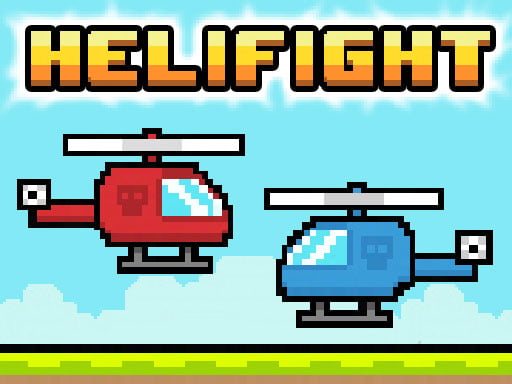
Helifight
Helifight is a retro pixel air duel. The helicopters keep sinking, and every press lifts yours a little. Fly over the rocket icon that pops up and you earn a shot; the first to five hits wins the match. Keys are W and the up arrow again, and on a phone each player taps their own side.
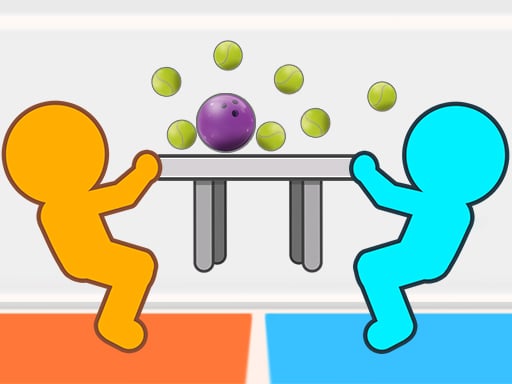
Tug The Table Classic
Two characters grab opposite ends of a long table, and as long as you hold your key you pull it toward yourself. The trick is letting go: release while your opponent is pulling and their own force can throw them off balance. Player one uses the up arrow, player two W; there is a single-player mode and a split-screen touch control for phones. With one key each, small kids can join in easily.
One key, lots of chaos: physics matches
Here the physics engine decides what your character does when you press. Aiming is close to impossible, which keeps the gap between a seasoned player and a newcomer small.
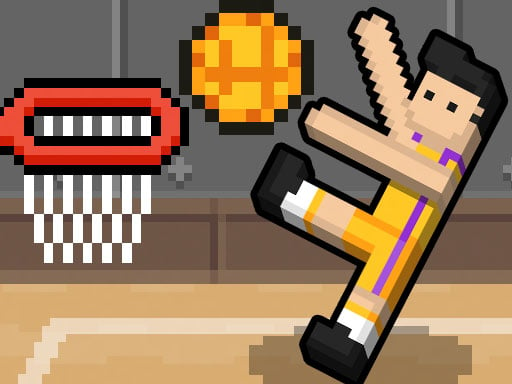
Basket Random
Basket Random uses one key for both jumping and shooting: hold it and your player raises an arm and jumps, let go and the ball flies. The court changes after every point; the hoop may rise, the ball may swell, the floor may turn slippery. First to five points wins. It plays with W and the up arrow, and touch screens are supported too.
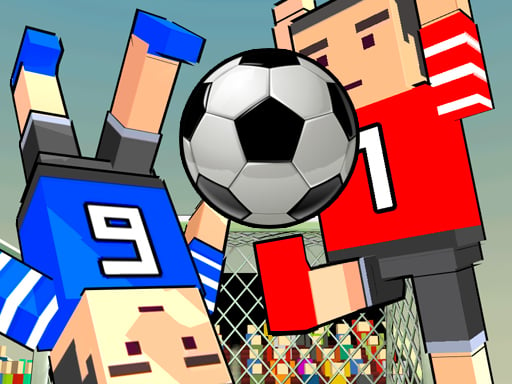
Soccer Physics Online
Soccer Physics Online is a 3D football match with no separate shoot key: press W and your player jumps and swings a leg at the same time. Where the ball goes depends on the angle of impact, so your only control is when you jump. You can play the two player mode with a friend next to you or face an opponent online. On a phone you tap the screen.
12 MiniBattles
Twelve separate mini duels in one package: football, tanks, sharpshooting, plane chases. Player one uses A, player two L, and each round's rule is shown on screen just before it starts. That means you never need to explain anything yourself. It was built for keyboards, so playing on a phone without an external keyboard is hard.
MiniBattles (2 to 6 players)
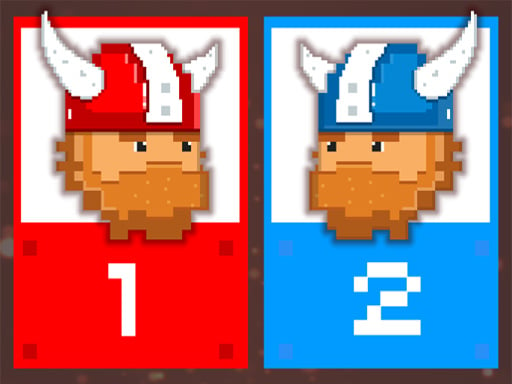
If two players are not enough, MiniBattles goes up to six. Everyone gets one key: C and N for the first two players, P and Q for the next two, the left and right arrows for the last two. The mini games, from sumo and archery to spaceships, last a few seconds each. This one needs a keyboard as well; it does not play comfortably on a phone.
Two-key duels
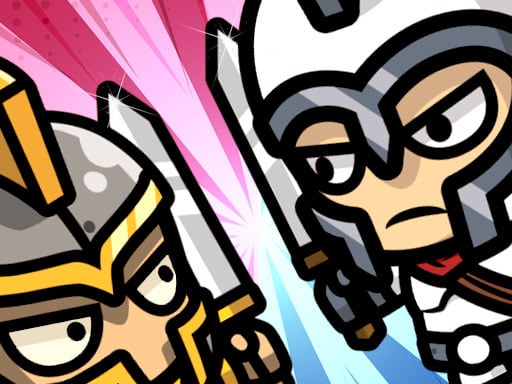
In these three each player has two keys. They still take less than a minute to learn, because what each key does shows up on screen right away.
Rooftop Shooters
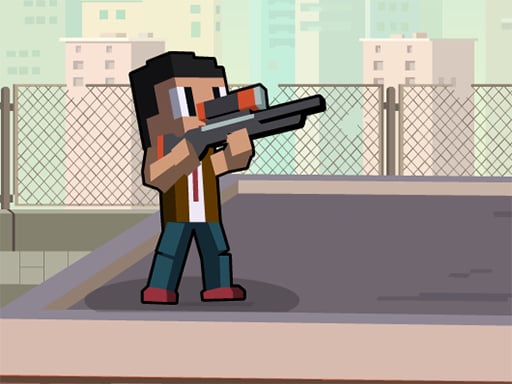
Rooftop Shooters puts two stick figures on facing rooftops. Player one jumps with W and fires with E; player two jumps with O and fires with P. Bullets bounce off the floor and walls, so bank shots are as useful as direct ones. On a phone both sides play with on-screen buttons, and there is a solo practice mode.
Xmas Rooftop Battles
Same key layout, different physics: on a snowy roof your character recoils when it fires, so pushing your rival also sends you sliding. The goal is to knock the other player off the edge. Firing close to the edge tends to drop you rather than them, and that is where most of the laughs come from. Two players can share a phone using the touch buttons. For more seasonal picks, see our Christmas games post.

Sprinter Heroes
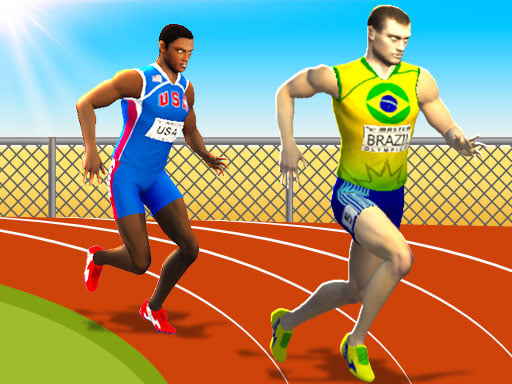
Sprinter Heroes puts two keys to a different use: your runner speeds up as you press them in turn. Player one runs with the left and right arrows, player two with A and D; pressing both keys at once slows you down. Steady rhythm beats raw speed. Because it needs fast key switching, it is hard on a phone and much better on a computer.
Starting without a rules talk
In all of these games the first round is the best teacher. Two small habits still help. First, before the match everyone presses their key once; seeing who controls which character beats any sentence. Second, treat the first round as a test. In physics games it is hard to plan anything before you have seen how your character flops around, and by round two everyone has found their own approach.
Your device narrows the choice too. If you are sharing a phone, Pizza Challenge, Helifight, Tug The Table Classic, Basket Random, Soccer Physics Online and both rooftop games work. 12 MiniBattles, MiniBattles and Sprinter Heroes need a keyboard. For more games to share on one handset, check 2 player games on one phone.
Which one to start with
If this is your first time playing together, start with Pizza Challenge or Tug The Table Classic; both are one key and one goal. If you are after laughs, move on to Basket Random and Soccer Physics Online, where the floppy physics makes every match end differently. For a long evening, 12 MiniBattles brings variety, and for a crowded table MiniBattles is the only game on this list that seats six at once. For a bit more competition, the rooftop duels and Sprinter Heroes are a good next step. You will find more in our 2 player games category.
Frequently asked questions
Can young children play one button games?
Yes. With one key per player, a child only needs to know their own key. Tug The Table Classic and Pizza Challenge are the simplest choices for this.
Can I play any of these alone?
Yes. Pizza Challenge, Tug The Table Classic and Basket Random can be played against the computer; Rooftop Shooters has a practice mode, and Soccer Physics Online lets you face an online opponent.
Why does a key sometimes not register?
Ordinary keyboards can be limited in how many keys they read at the same time. This rarely happens in one button games, because each person presses only one key. If it happens in a two-key game, let go of the keys for a moment and press again.