2 Player Games on One Keyboard: Which Keys Go to Whom
Two people, one keyboard, one screen. It still works because a keyboard has more than enough keys to split down the middle: one player takes the arrows on the right, the other takes W A S D on the left, and nobody's hands are in the way. Everything below runs in the browser with no download and no account, so setting a match up takes about as long as opening a tab.
The short answer to the control question is that there are two standard layouts. Driving games give player one the arrow keys and player two W A S D, with extra actions bound to letters near each hand. One button games skip all of that and give each player a single key on opposite sides of the board. Oyun Köşesi has one of each.
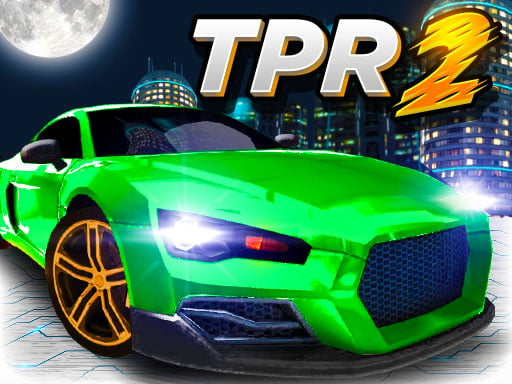
Two Punk Racing 2: arrows against W A S D
This is the full split layout. Player one steers with the arrow keys, presses N for nitro and B to look back. Player two drives with W A S D, uses T for nitro and C to look back. R restarts the level for both, which you will need the first time somebody wedges a car against the scenery.
Notice where the extra keys sit: N and B fall under the right hand that is already on the arrows, T and C under the left hand on W A S D. That is the whole trick of a shared keyboard layout, and it is the thing to check before you promise a friend a race.
The game splits the screen in two player mode and both cars run the same track. Prize money goes into the garage for upgrades or a new car, and there is also a solo open map with no time limit where you collect prize crates. Spend the first winnings on the engine rather than a new car, because acceleration decides more races than price does.
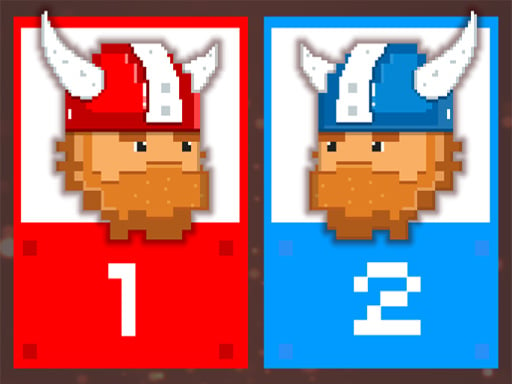
12 MiniBattles: one key each
The other approach is to strip the controls down until there is nothing to remember. Here player one has A and player two has L, and those two keys run all twelve mini games: football, tank duels, sniping, dogfights. Each round picks one at random, flashes its rule on screen, and the winner takes a point.
Two keys that far apart means two people can share a laptop keyboard without touching elbows, which is exactly why the design keeps coming back. Worth knowing before your first round: holding the key down and tapping it do different things in most of the mini games, so try both.
Why your phone will not do this
Both of these games are built around a physical keyboard, and neither is playable on a phone unless you plug an external one in. That is not laziness on the part of the developers. A touchscreen has no room for two sets of controls that two people can reach at once, and there is no tap that maps cleanly onto hold-versus-press timing. Games designed for two on one device either use two corners of a tablet screen or they do not exist.
So use a laptop or a desktop. A membrane keyboard can also drop inputs when several keys are held at once, which shows up as a car that will not turn while the other player is accelerating; if that happens, swap which player is on the arrows, or move to a keyboard that handles more simultaneous presses.
Setting up a match in a minute
- Agree who is on the arrows before you start, not after the countdown
- Sit the arrow-key player on the right so both hands stay in front of their own side
- Go full screen first, since a stray click outside the frame stops the keys from registering
- In the racing game, agree on the same car class, because an upgraded engine settles the result on its own
- Keep a short scoreline, first to five or first to ten, and start again rather than arguing about a lap