Games you can play with one hand: a click, a tap or the space bar is enough
In a one button game, every bit of control comes from a single input: the left mouse button, a tap on the screen or, in some cases, the space bar. No arrow keys, no aiming, no dragging. That makes them easy to play with one hand, which helps if your other hand is busy, if moving a mouse around for a long time tires you out, or if pressing several keys at once is awkward. All 12 games below are single-player and all of them run on a phone too.
What we mean by a one button game
Our rule was simple: everything you do in the game has to happen through the same button. Aiming with the mouse and then clicking counts as two separate actions, which is why darts and pool games did not make the cut. Tapping, holding and releasing the same button are fine, though, because your hand never has to move.
Then there is the keyboard question. Five games on the list accept the space bar as well as a left click: Chubby Birds, Paws Up, Line Runners, Circle Jump and Fly AirPlane 3D. If you would rather skip the mouse, start with those five. The space bar is the largest key on the keyboard, and you can press it with your thumb or the side of your hand. The other seven use the mouse on a computer and a tap on a phone. For what the usual game keys do, see our game controls glossary.
Tap and jump: single-tap games
In this group each tap equals one move. The game decides what happens on screen; you only choose when.
Chubby Birds
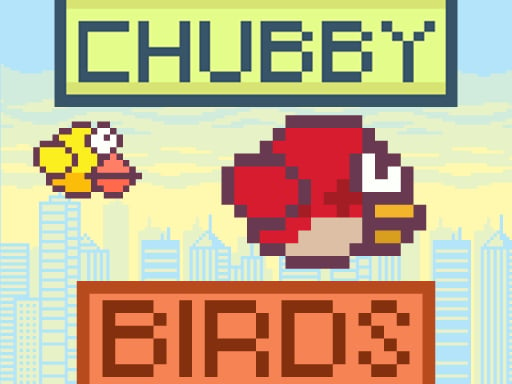
Chubby Birds follows the best-known one button formula: every click lifts the bird a little, it drops when you do nothing, and you try to slip through the gaps ahead. Left click, space bar and tap all do the same thing. The game never speeds up, but the gaps keep shifting. To settle into a steady flapping rhythm, read our guide on timing in flappy bird games.
Paws Up
Paws Up has a cute paper-cut look. The cat stays in place while platforms slide in from both sides, and you jump with the space bar, a left click or a tap. Land dead center on a platform and you earn a bonus. The game is endless and the only target is your own record, so stopping after a few rounds is easy.

Line Runners
Line Runners sends a runner along a path as thin as a pencil line. You cannot speed up or slow down; you only pick the moment to jump, with a click, a tap or the space bar. When spikes come in a row, one long jump is safer than two short ones.

Circle Jump
Circle Jump asks you to hop a ball over spikes as it circles a ring. The space bar or a left click does the job, and on a phone you can tap anywhere on the screen, so there is no need to reach for a specific spot. Your score is how many spikes you clear in a row, and the spin gets faster over time.

Ninja Jumper
Ninja Jumper has you guide a ninja bouncing between two walls. Each click sends it to the opposite wall, where it clings on and stays safe as long as it holds. That gives the game a little breathing room: when a trap is coming, you can simply wait. A good choice if you want a one button game that does not rush you.

Mega Jump
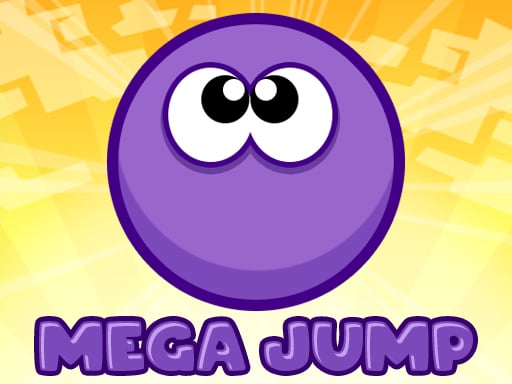
Mega Jump keeps your character bouncing upward, and your single button switches it left or right. Every tap flips the direction, so one button covers two directions. Rows of coins often show the way, but not always the safe way; check that there is a step there first.
Jumper.io
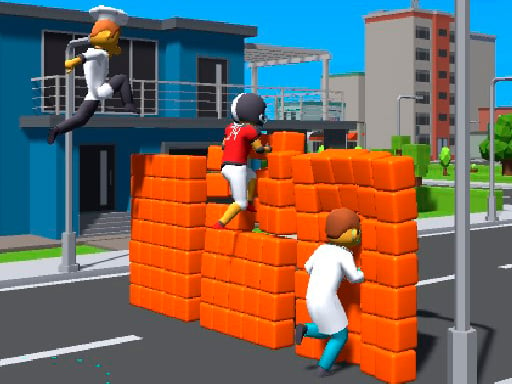
Jumper.io drops you into a pack of runners on the same track. Everyone moves at the same speed, so the difference comes down to how cleanly you clear the hurdles. A click or a tap is all it takes; clip a hurdle and you tumble and lose a few seconds. For anyone who wants a sense of competition without giving up the single button.
Two moves from the same button
In these two, there is still only one button, but when and how long you press it gives different results. They ask for a bit more finesse.
Backflip Maniac
In Backflip Maniac the first tap starts the jump and your character backflips through the air; the second tap stops the spin so you land on your feet. The landing has to be inside the red square. The higher the building, the longer the fall, so you have to re-time that second tap on every level.

GN Ninja Run
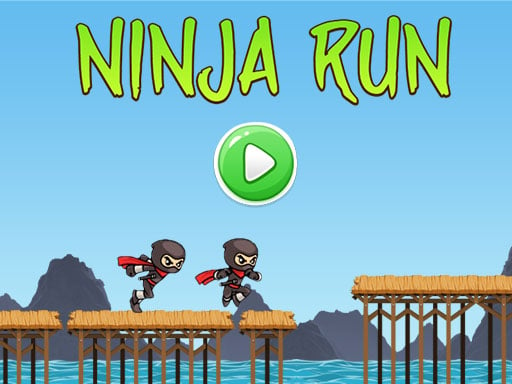
GN Ninja Run has a ninja running across wooden bridges. A quick click gives a short hop, holding the button gives a longer leap. You clear the gaps between bridges, collect gold and avoid bombs. A hurried double click produces a short jump, so keeping a steady rhythm matters a lot here.
Hold and release
In the last group, how long you hold the button is the real control. Let go and gravity or braking takes over. Short presses are usually safer than one long hold.
Rider Online Pro
Rider Online Pro is a motorbike game played with one button. Hold the left button to accelerate; keep holding at the end of a ramp and you flip in the air; let go to stop the spin and level the nose. If the wheels do not touch down cleanly, the run is over. For more games like this, see our list of motorbike games.

Fly AirPlane 3D
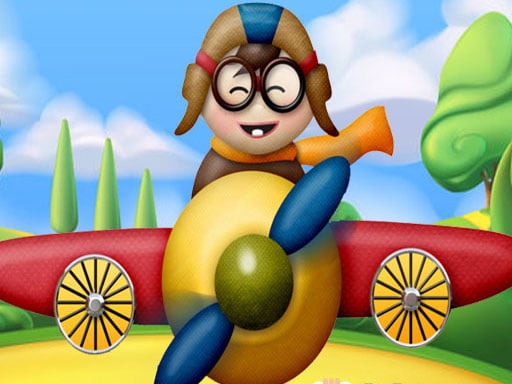
Fly AirPlane 3D puts you in charge of a plane that climbs while you press the space bar, left button or screen, and slowly sinks when you let go. You must pick up fuel cans, because flying into a cloud drains your fuel. Since it accepts the space bar, it is one of the few games here you can play with no mouse at all. There are more in our airplane games list.
Jingle Jetpack
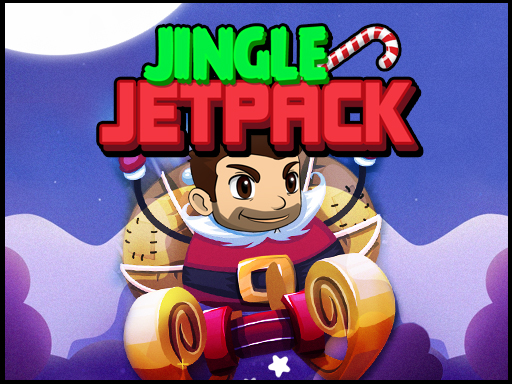
Jingle Jetpack straps a jetpack to a hero who has to weave between lasers and missiles. Hold to rise, release to fall; that is the whole control scheme. Short taps for small lifts are safer between lasers than long holds. The coins you pick up unlock power-ups.
Tips for playing comfortably with one hand
- On a laptop without a mouse, a one-finger tap on the touchpad works as a left click, so games that only need that tap do not need a mouse at all.
- For the five games that take the space bar, pull the keyboard toward you; resting your hand on the desk while you press may feel more comfortable.
- On a phone, you can lay it flat on a table or your lap and play with one finger; these games rarely ask you to hit a specific spot.
- Take a break when you feel tired. These games are built on repetition, so you make the same movement many times.
Which one to start with
If you want to avoid the mouse, start with Circle Jump or Paws Up; both work with the space bar and you get the rule in the first round. If you prefer not to be rushed, Ninja Jumper lets you wait on the wall, which makes it a relaxed first pick. Once you are comfortable, Backflip Maniac or Rider Online Pro will push your timing further. You will find them all in the skill games category, and our guide to skill games maps out the whole genre.
FAQ
Are one button games easy?
The controls are easy, the games are not. Learning takes seconds because there is only one button, but the timing gets harder in most of them. As speed or obstacle density rises, pressing that one button at exactly the right moment becomes the real skill.
Which games can I play with the keyboard only?
Five on this list take the space bar: Chubby Birds, Paws Up, Line Runners, Circle Jump and Fly AirPlane 3D. The rest need a left click on a computer or a tap on a phone.
Can two people play these?
No, every game here is single-player. Jumper.io has other runners on the track, but it is listed as a one-player game. If you want two people on one keyboard, see our list of two-player games on one keyboard.