How long to hold jump, and when to press it again
Most falls in a platformer come from the jump button, not from slow reflexes. Get four habits right and the game changes: how long you hold jump, when you press it a second time in the air, the angle you land on an enemy, and where you respawn after a mistake. This post walks through each one with examples from games on Oyun Köşesi. If you want the wider picture of the genre, the platform games guide covers that; here we stay strictly on jumping.
The basic rules of a jump, step by step
- Take-off: Leave from near the edge. Jumping from the middle of a ledge wastes part of your air distance over solid ground.
- Speed: A standing jump is shorter than a running one. For a long gap, walk in from a few steps back.
- Air control: In most platformers you can still steer left and right mid-air. Keep the direction key down to correct your landing.
- Landing spot: Look at where you will land, not at your character. Watching the hero means you always see the gap too late.
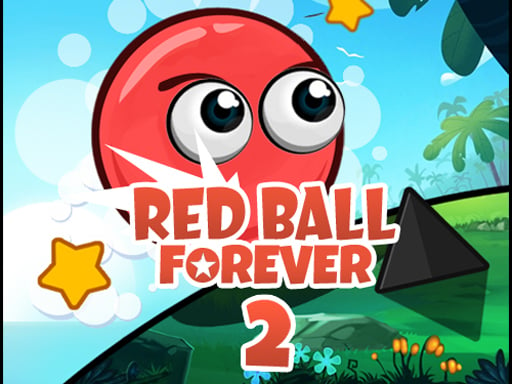
These four hold everywhere, but the fine-tuning shifts from game to game. Bunny Angel is a good example: the bunny covers plenty of distance in the air, so jumping one step before the edge clears most gaps. Red Ball Forever 2 teaches the opposite lesson. A ball that jumps from a standstill falls short on wide gaps, so roll first and build speed.
Tap versus hold
In many platformers the height of a jump depends on how long you keep the button pressed. A quick tap gives a low hop, a full hold gives the maximum height. Not every game works like that; in some the jump is always the same size. The easiest way to find out is a two-jump test on a safe flat stretch of level one: tap once, hold once, and compare where the character peaks.
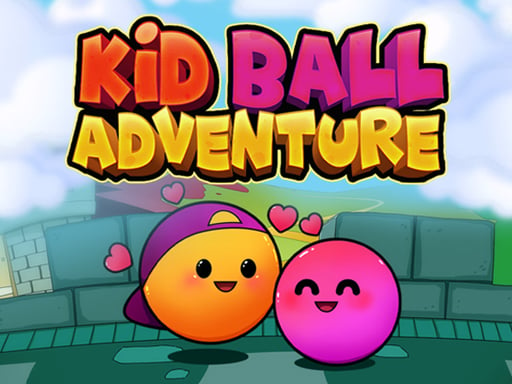
If there is a difference, you have twice the control. A short tap keeps you from bumping your head in low corridors and tight passages right above spikes. Over a wide gap, keep holding until you land. Kid Ball Adventure suggests exactly this for its spiked castle floors: small hops instead of one long leap make your landing much easier to place.
Double jump: the right moment for the second press
A double jump means pressing jump again while airborne to get an extra push. Among the games here, Blocky Adventures uses it openly: press again mid-air and you reach further. The classic mistake is mashing the button twice in a row. Press straight after take-off and the two pushes overlap, so you gain almost no height.
The right moment is at the top of the first jump, or just after, when the character slows down and starts to drop. Count it in your head, one... two: the first press is take-off, the second is the moment you hang in the air. Blocky Adventures also lets you combine this with a dash, but nail the double jump on its own first. Saving the dash for long gaps beats burning it in a panic inside a spiked corridor. The same game has wall jumps: slide down a wall, press jump and you climb, but let go of the direction toward the wall and you drop.
Landing on top of enemies
In some games an enemy is a wall, in others it is a step. Red Ball Forever 2 is the second type: land right on top and you squash it, touch it from the side and you lose a life. So the question is not whether you hit the enemy but from which angle.
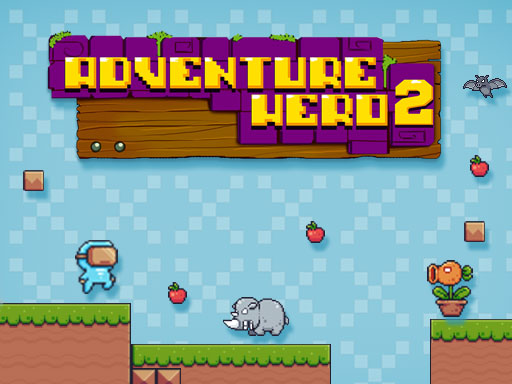
To land on top, jump early enough to clear the enemy and use the direction key to steer your fall onto it. If it walks toward you, jump a little earlier; if it walks away, follow and drop on it from behind. In games without a stomp rule, the safe play is reading the patrol. Adventure Hero 2 shows this well: enemies walk fixed lines, so watch two rounds and slip past as they turn back. Games with an attack key add a third option, and Ninja Rian Adventure recommends attacking while jumping to get over most enemies.
Where to drop a checkpoint
A checkpoint decides where you restart after a death. In most games they are fixed, but One Bit hands you that choice: press C to plant one where you stand, and a new one replaces the old one. If you never planted one, you go back to the start of the level.
Two rules make this work. First, plant right before a hard jump, then retry that jump as often as you need. Second, put it on solid ground, not on the edge of danger. A checkpoint next to spikes drops you back into the same risky spot every time you respawn. With fixed checkpoints, flip the idea around: once you pass one, play a bit safer, because every mistake until the next one sends you back.
Worked example: a three-part jump
Picture this: a wide gap ahead, a small moving platform in the middle, a spiked floor on the far side. If the game lets you, drop a checkpoint on the solid ground first. Then watch the platform. Jump onto it as it starts moving away from you, not while it is coming toward you; both One Bit and Red Ball Forever 2 give that exact tip. Ride it until it nears the far side and take off from its edge. Enter the spiked floor with short hops rather than a long leap. Each of the three decisions is easy on its own. The trouble starts when you rush all three.
Common mistakes
- Falling at the same spot again and again without slowing down. Two falls in the same gap usually point to your take-off spot, not your timing.
- Pressing the second jump right after the first one.
- Retrying a risky jump for a bonus. In Adventure Hero 2 the level ends when you grab the trophy anyway, so the fruit is optional.
- Using power-ups the moment you find them. Pixel Tower points out that items pay off most on narrow floors packed with enemies.
- Restarting instantly after a fall. A retry without knowing why you fell repeats the same error.
Which game to practise with
For basic jumps and edge take-offs, Bunny Angel is the gentlest start: no violence, and it plays on a phone with on-screen buttons. Practise stomping and building speed in Red Ball Forever 2, and short hops in Kid Ball Adventure.
 ▶Bunny Angel - Free Kid-Friendly Platformer
 ▶Red Ball Forever 2 - Free Platform Adventure
 ▶Kid Ball Adventure - Free 2D Platform Game
 ▶Adventure Hero 2 - Free Fruit Platform Game
For double jumps, wall jumps and dashes, the fifty levels of Blocky Adventures give you plenty of material. One Bit builds the checkpoint habit, and Pixel Tower trains the rhythm of climbing upward. Ninja Rian Adventure needs a keyboard, so play it on a computer if you want to mix jumps with attacks.
 ▶Blocky Adventures - 50 Levels, Free Platformer
 ▶One Bit - Free Pixel Platform Adventure
 ▶Pixel Tower - Free Retro Climbing Platformer
 ▶Ninja Rian Adventure - Free Action Platformer
For more options, browse the platform category.
FAQ
Why does my character sometimes jump low and sometimes high?
The game probably scales jump height by how long you press. A tap gives a low jump, a hold gives a high one. Try both on a flat, safe spot to see the gap.
Does every platformer have a double jump?
No. Of the games in this post, Blocky Adventures has one; in the others a second press in the air does nothing. If the how-to-play section does not mention it, it is most likely not there.
Are platformers harder on a phone?
On-screen buttons are less precise than keys, so taking off from the edge a touch earlier helps. In Pixel Tower, turning the phone sideways widens your view. Keyboard-only games like Ninja Rian Adventure belong on a computer.
How often should I place a checkpoint?
In games like One Bit, where you place them yourself, one before each hard section is enough. Since the new one replaces the old one, placing it on ground you have already cleared safely gains you nothing.