Steering With Your Thumb: Buttons, Drag or a Single Tap?
Picking a car game for your phone comes down to one thing: how the game hands the steering wheel to your finger. All 11 games below work on a touch screen, but in four different ways: a single tap, a finger drag, tapping the left or right half of the screen, or buttons drawn on the display. We grouped them by control type, so decide first which one suits your hands, then pick the game.
How we chose: touch controls must be described
To make the list, a game's page has to mark it as mobile friendly and its control table has to include a touch option for phones. That keeps a few good racers out. Formula Rush Online, for example, is marked mobile friendly, but its control list only mentions the arrow keys and WASD. Since nothing tells you how to drive it on a phone, we left it off.
Why does control type matter so much? Because it decides how you hold the phone. Single-tap and drag games can often be played with one hand. Screen-half games want both hands and both thumbs. Simulators with separate throttle, brake and steering buttons are best played with the phone turned sideways and a bit of patience. For the bigger picture of the genre, our car games guide maps out every type.
Single tap: press and let go
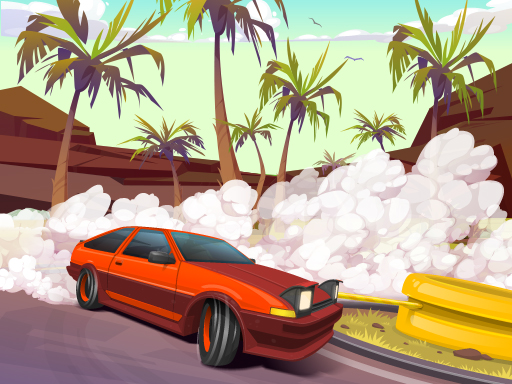
Drifting Mania
This is the car game that asks the least of you on a phone. The car keeps moving; press the screen and it turns into the corner, lift your finger and it straightens out. Its page says it was designed for a portrait screen. The skill is all in the timing: press just before the bend, release as you reach the exit. Long, clean drifts earn more money, and leaving the road ends the run. If you like one-gesture games like this, our one finger games list has non-car picks in the same spirit.
Drag or draw: your finger is the wheel
There is no throttle to manage in this group. The car drives itself and you steer by dragging your finger. Your finger points straight at where the car should go, which feels natural on a phone.
Elastic Car 3D
Your car keeps accelerating while you touch and drag to switch lanes. Drive over yellow cars to pick up speed and a short burst of invincibility, during which you can shove traffic aside. The first serious crash ends the drive.
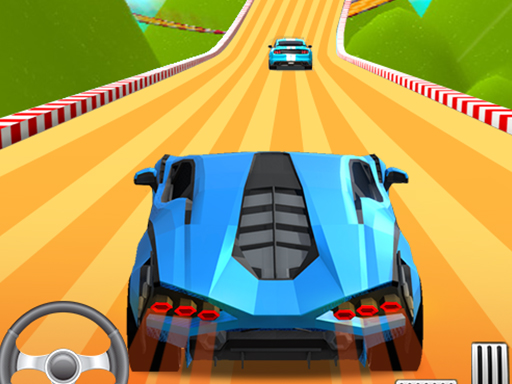
Fun Race Car 3D
You race three rivals on colorful tracks; the car moves forward on its own and you tap and drag to steer. Hit an obstacle and you restart at that obstacle rather than at the beginning, so you only lose time. Finish without a single crash and you collect all three stars, which means a clean drive counts as much as a fast one.

Draw The Car Path
Here you do not drive at all; you draw the route in advance. Touch a car, drag your finger to its parking bay, let go, and the car follows your line. Every car moves at the same time, so if two routes cross at the same spot they collide. There is no time limit. It is a calm parking puzzle that needs planning rather than reflexes, and one finger is all it takes.

Tap the right or left half of the screen
In these two traffic racers, on a phone, the right half of the screen means right and the left half means left. Holding the phone in both hands with a thumb on each side is the most comfortable grip.
Stock Car Hero
You race on tracks open to traffic, overtaking rivals and ordinary cars alike, and on a phone you steer by tapping the left or right half of the screen. Coins on the road pay for engine and tire upgrades. If you do not finish near the front you cannot move on to the next stage, but you can retry it. Saving your overtakes for the exit of a bend cuts down on crashes.

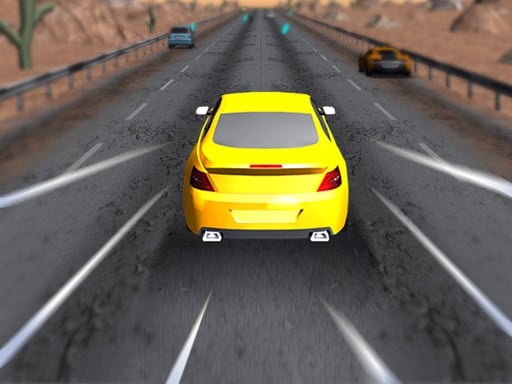
Super Traffic Racer
An endless highway drive with no finish line. On a phone you tap the right or left side of the screen to change lanes. Squeezing past cars earns bonuses, and driving on the wrong side pays even more but leaves no room for error. The run ends the moment you hit another car. As the speed climbs, start your lane change early; tapping at the last second usually ends in a crash.

On-screen buttons: the keyboard, redrawn for touch
These games are played with keys on a computer, and on a phone the same keys appear as buttons on the display. If your thumb slides off a button, the car may stop responding, so turning the phone sideways and resting it on a table or your knee makes life easier.
Drifty Master
The throttle is always on; you only slide the car with left and right buttons on the screen. Hold a button and the car drifts that way, let go and it recovers. It gives you more control than the single tap in Drifting Mania, at the cost of needing both thumbs. Money from each level upgrades your car or unlocks a new one. For the general logic of when to start a slide, see our how to drift article.
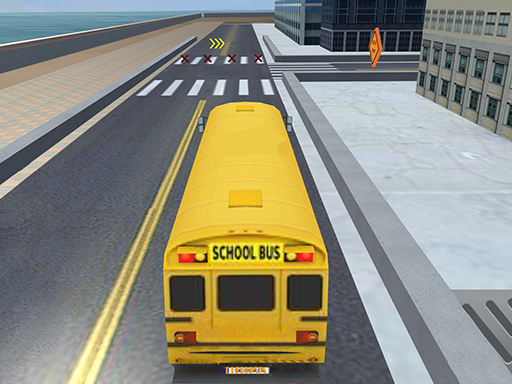
School Bus Simulation
On a phone, throttle, brake and steering are on-screen buttons. You drive a long bus through narrow streets to the school and park it between the lines. A heavy bus does not stop the moment you brake, so short taps on the pedal work better than holding it down. On turns, remember the rear wheels cut inside the corner.
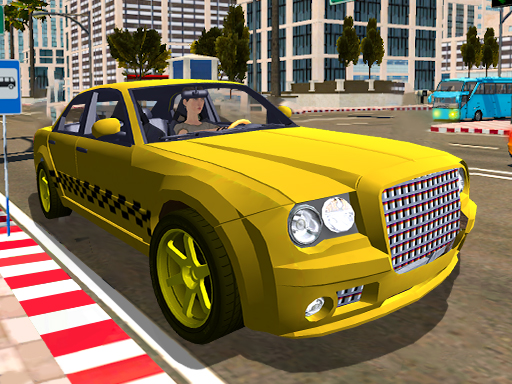
Taxi Simulator 3D
Pick up a passenger and drive them to the address on the map; on a phone you use the on-screen steering and pedal buttons. Routes get longer over ten levels. Hard braking and crashes cost you time, so a smooth line often beats a shortcut.
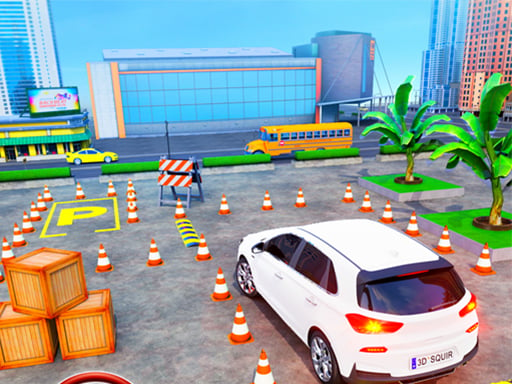
Advance Car Parking Driver Simulator
The control list on its page gives the arrow keys and WASD for driving; on the touch side you drag to change the camera angle and double tap to zoom. The page says the camera moves were designed for touch and that it plays on mobile. In parking games, turning the camera to look down from above changes everything; our car parking tips explain why.
For little kids: big buttons
Monster Trucks Kids Racing
Made for young children, this one lets you drive, jump and honk the horn with big buttons on the screen. There is no time limit and nobody gets knocked out; at the end of each level balloons pop and fireworks go off. If you are handing your phone to a preschooler, this is the easiest pick on the list.

Quick summary by control type
- One finger is enough: Drifting Mania, Draw The Car Path.
- Drag to steer, smooth feel: Elastic Car 3D, Fun Race Car 3D.
- Two thumbs, screen halves: Stock Car Hero, Super Traffic Racer.
- On-screen buttons, landscape grip recommended: Drifty Master, School Bus Simulation, Taxi Simulator 3D.
- Touch camera, keyboard driving listed: Advance Car Parking Driver Simulator.
- Young children: Monster Trucks Kids Racing.
Which one to start with
If this is your first car game on a phone, start with Drifting Mania; you learn one gesture and you are playing. If you want the feel of racing against someone, Fun Race Car 3D with its drag steering is the least frustrating option. For something close to real driving, Taxi Simulator 3D gives the fullest experience once you are used to the on-screen buttons. And if you would rather think than steer, Draw The Car Path is the one. For more, browse the 3D driving games page and the car games category.
Frequently asked questions
Do I need an app for car games on my phone?
No. Every game on this list opens in your phone's browser, with nothing to download or install.
The on-screen buttons slip under my thumb. What can I do?
Turn the phone sideways and keep your thumbs resting on the buttons instead of lifting them off completely after each press. If it keeps happening, switching to a game from the single-tap or drag groups is the easiest fix.
Can two people race on one phone?
Every game on this list is single player. We gathered two-player car games on the 2 player car games page; check each game's controls there before you try it on a phone.