How to keep up with every order in a restaurant game
In a restaurant game you keep up with orders by never letting the stove sit idle, not by clicking faster. Three habits carry most of the load: start the slow cooking item before anyone asks for it, serve the customer with the shortest patience bar first, and put your first earnings into cooking speed. Everything else in this guide is detail around those three.
This is not a tour of recipes or menus; the food games guide covers the genre as a whole. Here we stick to one question: what do you do when the queue at the counter starts to grow?
How the order loop works, step by step
Almost every restaurant and shop game in the browser runs on the same loop. The names change, the steps do not:
- A customer arrives and a bubble above their head shows the order as a picture.
- You pick the ingredient and send it to a cooker: grill, oven, fryer or toaster.
- A meter on the cooker fills; take the food too early and it is raw, too late and it burns.
- You plate it, add the layers and sauce the order asks for, and hand it over.
- If the customer runs out of patience the order is lost, and too many lost orders can cost you the level.
Two of those five steps are out of your hands: how long food takes to cook and when the next guest walks in. Every tactic below is about overlapping those two waiting times so your hands are always busy.
Reading the patience bar
Each customer has their own patience bar, and the order people arrived in is not the order their patience runs out. The first guest through the door is not always the one to serve first. Dream Chefs makes this explicit: an order delivered on time earns the full tip, a late one pays much less. So instead of working the queue from left to right, glance across the bars every few seconds.
A simple rule of thumb: if anyone's bar has dropped below half, finish the item in your hands and go to them next. A guest whose bar is still nearly full can wait a moment without costing you anything. Making the half empty one wait is what loses money.
Prep ahead so the stove never sits empty
Most time in these games is lost watching a cooking meter crawl. The built in tip for Super Burger 2 says it plainly: get a couple of patties on the grill before the orders come in and your serving time drops sharply. Every burger needs a patty, so whichever order shows up next, that patty will not go to waste.
The same idea carries over. In Yummy Toast, do not stand and stare while the bread browns; line up the fillings in that time. In Mexican Master Chef, the oven work takes longest, so start it first and handle the quicker stalls while it bakes.
There is one catch. Food you prepared early should not sit around for long. In Mexican Master Chef, cooked dishes lose their freshness on the stall and customers are less happy with them. Prep ahead only for what you know will sell in the next few seconds.
Plate order: a busy moment worked through
Picture three guests in a cafe. The first wants an iced drink and their bar is full. The second wants a slice of cake and their bar is at half. The third has just sat down and wants the same iced drink as the first. On top of that, one table has just emptied and still has dirty dishes on it.
The right sequence goes like this. Make the cake first, because that guest has the least patience left. While it is being prepared, pour both iced drinks back to back so you only cross to the drinks counter once. Serve all three, then clear the dirty table while the next order is on its way. In Baby Taylor Cafe Chef, a new customer cannot sit at a table you have not cleared, so skipping that step means turning someone away later.
The three principles in that example travel to any restaurant game: move the least patient guest forward, batch identical orders, and fill every wait with cleaning or prep.
Which upgrade should you buy first?
In games that offer upgrades, the first money should go into cooking or production speed. Super Burger 2 recommends grill speed first, and Cotton Candy Shop recommends machine speed. The logic is simple: a speed upgrade helps on every single order, while decorations do not make any order faster.
Capacity usually comes second, meaning the number of cookers or stations running at once. If you add capacity before speed, you just watch more food cook at the same slow pace. Looks and decor come last; they are nice to have but they never save an order.
Common mistakes
- Rushing to the kitchen after half reading the bubble. In Pizzaiolo!, a single missing topping takes a big bite out of your score, so check the slip twice.
- Mixing up the layer order. In the burger and toast games, the right ingredient in the wrong place can still get the order rejected.
- Forgetting the sauce. In Yummy Toast it is the step people skip most, and on its own it sends the order back.
- Missing the burn warning. In Dream Chefs, grab the food as soon as the marker shows; burnt food costs both the ingredient and the time.
- Leaving a half made item to look at the next customer. In Cotton Candy Shop an unfinished treat blocks the stand.
Which game to practise with
For the patience bar and prepping ahead, Super Burger 2 is the clearest place to start; the setup is simple enough that you can see exactly what each choice does.
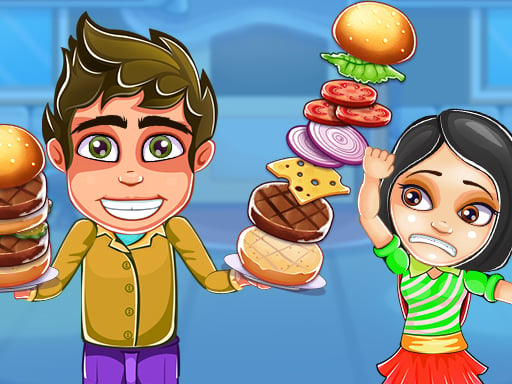
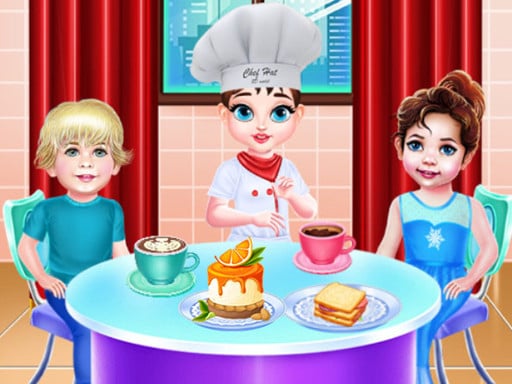
To practise clearing tables and serving in the right order, Baby Taylor Cafe Chef is a good second step.
For real juggling across several stations at once, Mexican Master Chef and Dream Chefs are the most demanding.
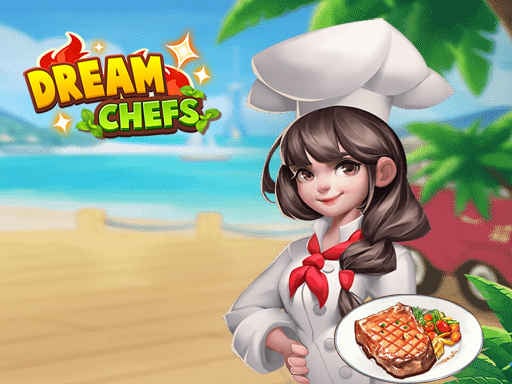
For oven timing and attention to detail, try Pizzaiolo! and Yummy Toast; to feel how much a machine speed upgrade changes things, play Cotton Candy Shop.
 ▶Pizzaiolo! - Free Pizza Making Game
 ▶Yummy Toast - Free Sandwich Making Game
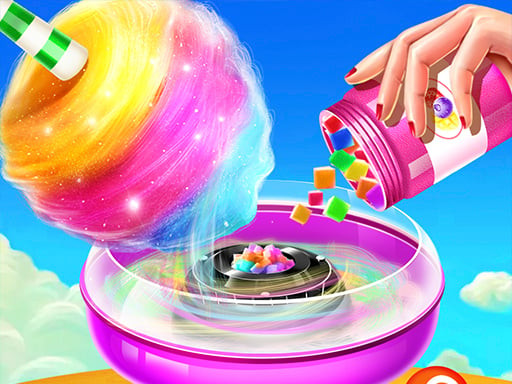 ▶Cotton Candy Shop - Free Sweet Shop Game
If you are playing with a young child, Lovely Virtual Cat At Restaurant is calmer. Orders are shown as pictures of food, and extras like decorating can wait until the tables are empty.
All of them work on a phone with your finger. For more, browse the cooking games category, or read the simulation games guide if you enjoy the business side.
Frequently asked questions
Does one missed order end the game?
In most of these games a single missed order just lowers your earnings. In Super Burger 2, missing several in a row can mean replaying the level, which is why letting one guest go on purpose can sometimes save two others.
Can I fix an order I got wrong?
It depends on the game. In Pizzaiolo! you can click a wrong topping to remove it, but the clock keeps running. In Baby Taylor Cafe Chef you bin the faulty item and make it again. Either way, what you lose is time.
Why do restaurant games get harder as you go?
More customers arrive at once and each order has more steps. In Baby Taylor Cafe Chef orders grow into multi step jobs, and in Dream Chefs the menu widens day by day. The difficulty comes from how many things you track at once, not from click speed, and prepping ahead plus batching is exactly the answer to that.
Do I need a keyboard?
No. Every game in this guide is played with a mouse or by touch; clicking and dragging is all you need.