Aim better in FPS games: sensitivity, head height, cover and reloads
Most of your accuracy in an FPS is decided before you pull the trigger. Four habits close the gap for a new player faster than anything else: pick a mouse sensitivity you can actually control, carry your crosshair at head height where enemies will appear, peek out of cover to shoot instead of standing in the open, and reload when the fight is over and you are safe. Below you will find each one in order, with a small drill you can try in the next match.
Start with the setting: mouse sensitivity
Sensitivity decides how far your view turns when you move the mouse an inch. Set it too high and the crosshair flies past the target; set it too low and you cannot turn in time when someone shoots you from behind. A simple starting point: one comfortable arm sweep across the mouse pad should turn your character roughly half a circle.
If the game has a sensitivity slider in its options, change it there; if not, adjust the pointer speed in your computer's mouse settings. Once you pick a value, leave it alone for a few days. Tweaking it after every missed shot means your hand never gets used to anything. Playing an FPS on a laptop touchpad is hard work, so plug in a real mouse if you can.
Keep your crosshair at head height
New players tend to walk around staring at the floor. When an enemy shows up, they first drag the crosshair up and then across, and those two moves eat exactly the half second that decides the duel. The fix is to carry the crosshair at the height where a person's head would be. When someone steps out of a corner, you only need a small sideways flick.
The next step is to park the crosshair where an enemy is likely to appear, not on a blank wall: the edge of a doorway, the end of a hallway, the side of a crate. Players call this pre-aiming. In the tight mining tunnels of Battle Area, enemies pop up right in your face, so the game's own tip is to hold your aim at chest height; up close the chest is the bigger target, which makes sense. At longer range, head height still wins you the first shot.
Movement: the peek-and-return loop
Standing in the open and shooting turns you into a free target. Build a three-step loop instead: wait behind cover, step out sideways and fire, then duck back behind cover. On each peek, choose an angle that shows you only one enemy. If you swing wide around a corner, you will face two people at once.
Shooting on the move lowers accuracy in most shooters. In Commando, letting go of Shift before you fire, rather than firing while you sprint, makes a clear difference. In Masked Forces, crouching with C tightens your spread at long range. The rule of thumb: sprint to reposition, stand still to shoot.
Get into the habit of changing where you shoot from, too. In Ultimate Strike, opponents start watching the spot you fired from after your first shot, so take the second shot from a different edge. Assault Zone warns that the noise of a shot alerts the other guards, so move as soon as you land your first hit.
When should you reload?
Reloading leaves you defenceless for a few seconds, so timing matters as much as aim. The basic rule: reload after the fight, behind cover, never in the middle of an exchange. If your magazine is half empty and a new room lies ahead, top it up before you walk in.
Games with several weapons give you a faster option. In Super Sergeant 2 the mouse wheel cycles through three weapons, and switching when one runs dry is quicker than waiting on the R reload. In Combat Zombie Warfare ammo comes from boxes on the ground; clear the area before you run to a box so you are not caught with an empty magazine.
Worked example: two enemies behind a door
Say you are at the end of a hallway. There is a door ahead on the right and you suspect two enemies inside. Your magazine is half full. First, reload before you reach the door. Then hug the left wall, set your crosshair on the door frame at head height and slide slowly to the right, so you only see a thin slice of the room. When the first enemy appears, stop, shoot and step back. The second one will usually come to the door looking for you, and because your crosshair is already waiting on the frame, one small correction is enough.
Common beginner mistakes
- Changing sensitivity after every miss.
- Walking with the crosshair on the floor and lifting it only when an enemy appears.
- Spraying bullets while sprinting or jumping.
- Firing from the same corner again and again until everyone knows where you are.
- Reloading out in the open, right in front of the enemy.
- Rushing into a crowded room and taking fire from three people at once.
Which games should you practise with?
It helps to line games up by difficulty and add one technique at a time. The first three also run on a phone: you walk with the joystick on the left and aim by touching and dragging on the right side of the screen. The rest are built for keyboard and mouse. For a wider selection, see our shooting games guide and the shooting category.
For a warm-up, Warfare Area keeps it simple: move, look and left click. It teaches you to lure enemies to a corner and meet them at a narrow angle. Assault Zone lets you practise pre-aiming calmly, since the guards do not react until they spot you. Battle Area drills wide corner turns in narrow tunnels.
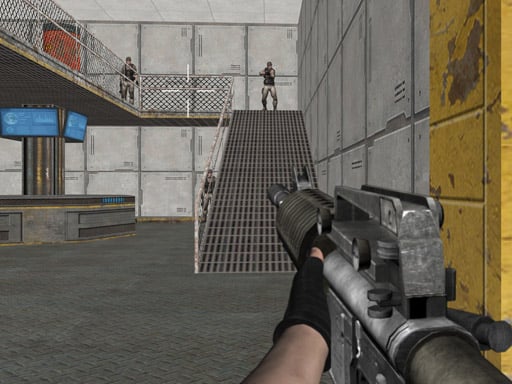 ▶Warfare Area - Free 3D FPS Shooting Game
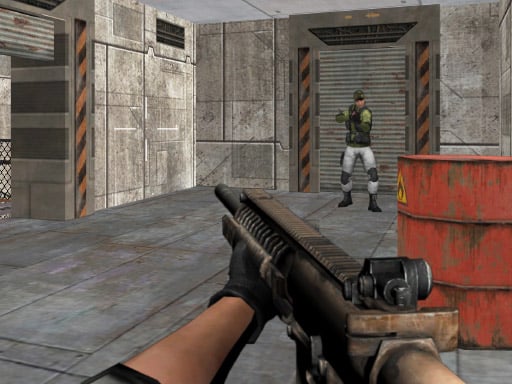 ▶Assault Zone - Free First Person Shooter
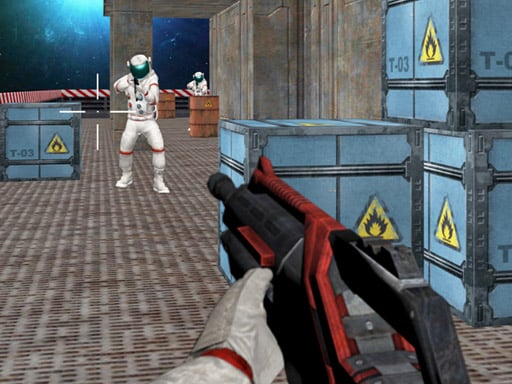 ▶Battle Area - Free 3D Space Shooter Game
In the second stage, right-click aiming, crouching and the reload key come into play. Commando runs across 15 levels with more enemies each time, which puts your peek-and-return loop to the test. Super Sergeant 2 trains weapon swaps and reload timing over five levels.
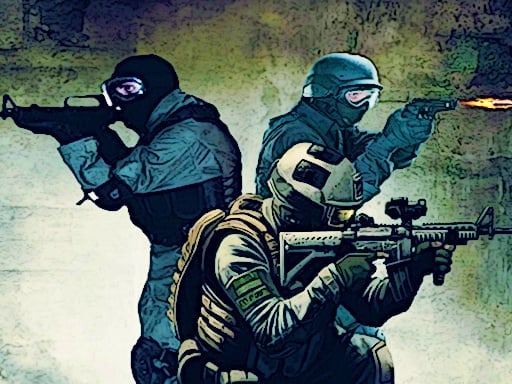

The last stage is real opponents. Masked Forces and Combat Zombie Warfare offer both solo missions and an online mode, while Ultimate Strike drops you straight into matches across nine maps. Human players are far less predictable than computer enemies, so this is where your habit of changing position really gets tested. For more battle-themed picks, browse the war games page.
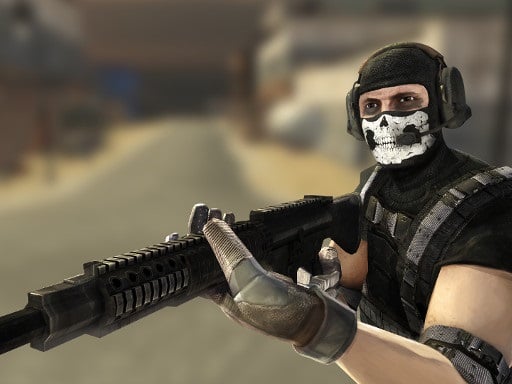 ▶Masked Forces - Free First Person Gun Battle
 ▶Combat Zombie Warfare - Free FPS Arena Game
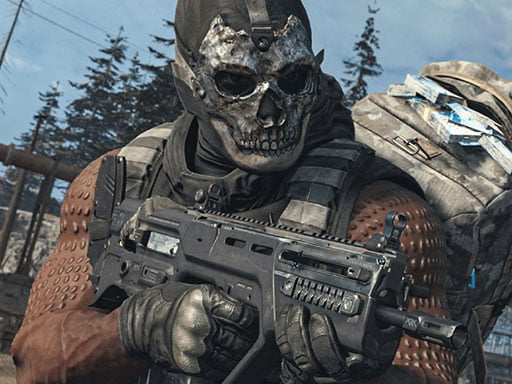 ▶Ultimate Strike - Free Multiplayer FPS Arena
Frequently asked questions
What is the best mouse sensitivity for FPS games?
There is no single number that suits everyone, because mice and games use different scales. A practical test: if a relaxed arm movement turns you about half a circle and you can settle on a small target without shaking, you are in the right range. Keep that value for a few days.
Why keep the crosshair at head height?
Because when an enemy appears you only correct sideways and skip the vertical adjustment. In very tight spaces chest height works too. What matters is that the crosshair is already waiting where the enemy will show up.
Can I play FPS games on my phone?
Warfare Area, Assault Zone and Battle Area on this list play on a phone with an on-screen joystick. The others are designed for keyboard and mouse, so they are far more comfortable on a computer.