Commando: Fifteen Levels of First Person Missions
📚 Game Guides: games picked by genre, one page each
🌐 Browser (HTML5)🖥️ Desktop only⬇️ No download👤 Single player🆓 Free
What is Commando?
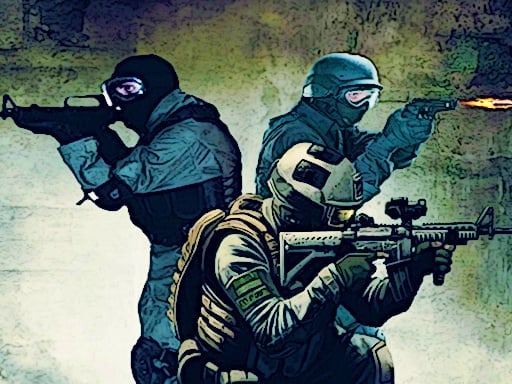
You are on a fifteen level commando mission. Each level hands you a new area and a new enemy layout, and you get through it by switching weapons to match the situation in front of you.
How to play
Move with WASD or the arrow keys, fire with left click and aim down the sights with right click. Space jumps, Ctrl crouches, Shift sprints and G throws a grenade, while Tab pauses the game. To finish a level you clear the enemies in the area. Enemy numbers climb as the levels go on, so timing a grenade or a crouch properly is what separates a clean run from a restart.
Controls
| Key | Action |
|---|---|
| WASD / Arrow keys | Move |
| Left click / Right click | Fire / Aim |
| Shift / Ctrl / Space | Sprint, crouch, jump |
| G / Tab | Grenade, pause |
Tips
- Throw your grenade before entering a busy room, as it beats working through them one by one.
- Right click tightens your spread, so always use it on a distant target.
- Never fire while sprinting; accuracy climbs noticeably about half a second after you release Shift.
Frequently asked questions
How many levels are there?
The game runs to fifteen levels, and the enemy layout changes in each one.
Is there more than one weapon?
Yes, you can use different weapons throughout the mission.