Master Chess: Classic Chess Across Three Difficulty Levels
📚 Guide: Ludo, Chess, Checkers and Domino Games
What is Master Chess?
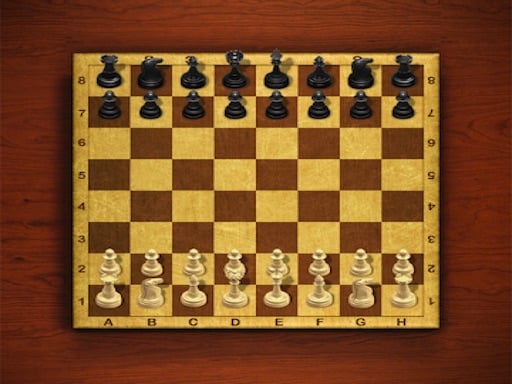
A plain, handsome chess game. You can take on the computer at one of three difficulty settings, or sit down opposite a friend and trade moves on the same device.
How to play
You move under standard chess rules: select the piece you want first, then click the square it should travel to. The aim is to corner the enemy king so that no escape is left, which is checkmate. When you capture, your piece takes the square the captured one stood on. Before the first move you choose your difficulty level and whether the computer or a friend sits across the board.
Controls
| Key | Action |
|---|---|
| Left click | Select a piece, click its destination |
| Menu | Choose the difficulty level and the mode |
| Touch | Tap the piece and the square on a phone |
Tips
- Claim the central squares in the opening. Whoever owns the middle also owns the wider choice of moves.
- Do not bring your queen out early; enemy pieces will chase her and gain tempo doing it.
- Bring castling into your plan so your king sits safe and your rook joins the game.
Frequently asked questions
Can I change the difficulty level?
Yes, you pick one of three levels when the game starts, and a new game lets you try a different one.
Can I play a friend on the same computer?
Yes, there is a two-player mode where you both move in turn on one screen.