Lucky Doll: Create Your Own Cute Webtoon Character
📚 Game Guides: games picked by genre, one page each
What is Lucky Doll?
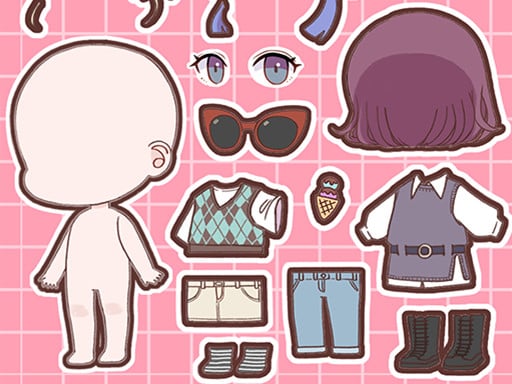
A design game where you create an adorable character in the style of Korean webcomics. You pick every part from face shape to hairstyle, then place the finished character in a scene full of stickers.
How to play
Start by setting the face shape and skin tone. Move on to the eyes, brows, mouth and hairstyle options; tap any part you like and it appears on your character instantly. Round off the look with makeup and accessories. In the last step, put your character into a scene, add the stickers you want and drag them into place.
Controls
| Key | Action |
|---|---|
| Left click | Pick face, hair and makeup parts |
| Drag with mouse | Move stickers around the scene |
| Touch | Tap to choose and drag to place on a phone |
Tips
- Choose the hair color before the makeup, so the shades match better.
- Big eyes and a small mouth make a character look extra cute in this drawing style.
- Keep stickers near the edges so they do not cover your character's face.
Frequently asked questions
Does Lucky Doll save my character?
You see your character in the game, but there is no confirmed permanent save, so take a screenshot when you finish.
Can I play this character creator on a phone?
Yes. With a portrait screen and touch controls it plays comfortably on a phone.