EVO City Driving: Pick a Sports Car and Explore the City
📚 Guide: 3D Car Driving and Parking Games
What is EVO City Driving?
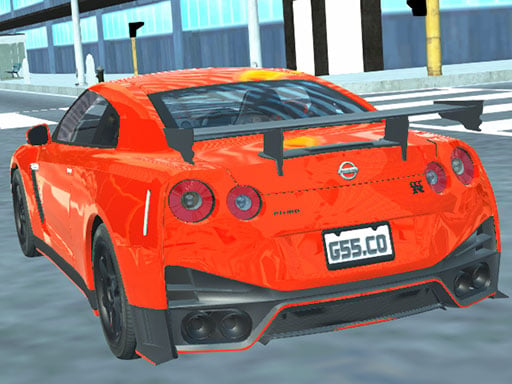
There is no finish line and no countdown here, just a city and a lineup of sports cars. You pick one, roll out of the menu and follow whatever street looks interesting. Bridges, avenues and back alleys are all open from the first second.
How to play
W gives throttle while S brakes and then reverses, and A and D turn the wheel. Space works like a handbrake and stops the car quickly. The C key swaps the camera, so you can drive from behind the car or from a close view. No mission is set for you, so testing top speed, jumping ramps or finding the far corners of the map is your call. The car takes no damage, which leaves you free to try things at high speed.
Controls
| Key | Action |
|---|---|
| W / S | Accelerate, brake and reverse |
| A / D | Steer left and right |
| Space | Handbrake |
| C | Change the camera angle |
| Keyboard required | Keys only, no touch support |
Tips
- Do one slow lap first; knowing the shortcuts pays off every time you drive the same district faster.
- Tap the handbrake in short pulses through a bend, because holding it brings the car to a full stop.
- Pull the camera back to the far view and you spot cross traffic at junctions much earlier.
Frequently asked questions
Do I have to race anyone?
No. The whole game is free roam, so you go wherever you want at whatever speed you want.
Can I change cars?
Yes. The game lets you choose between several sports cars.